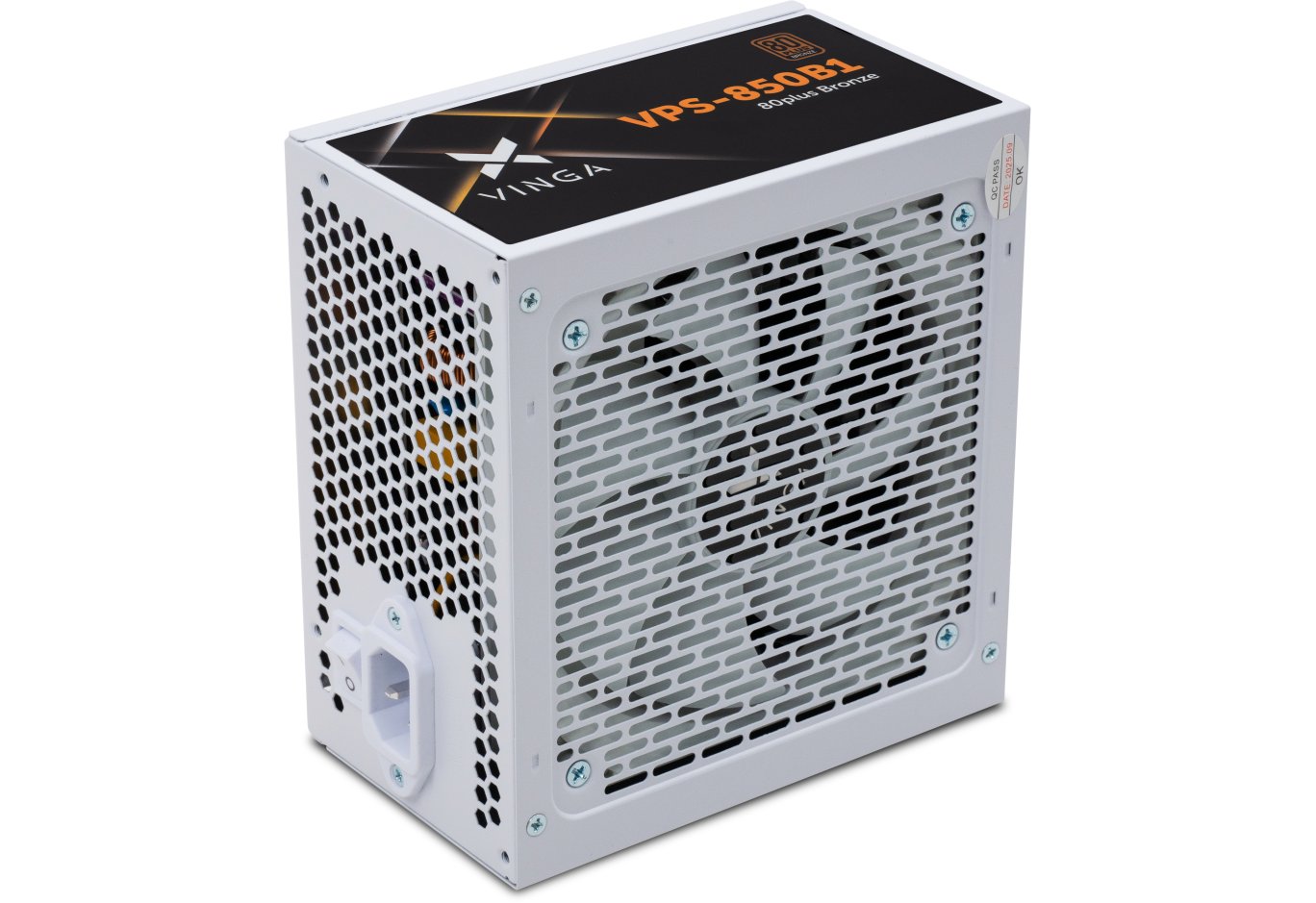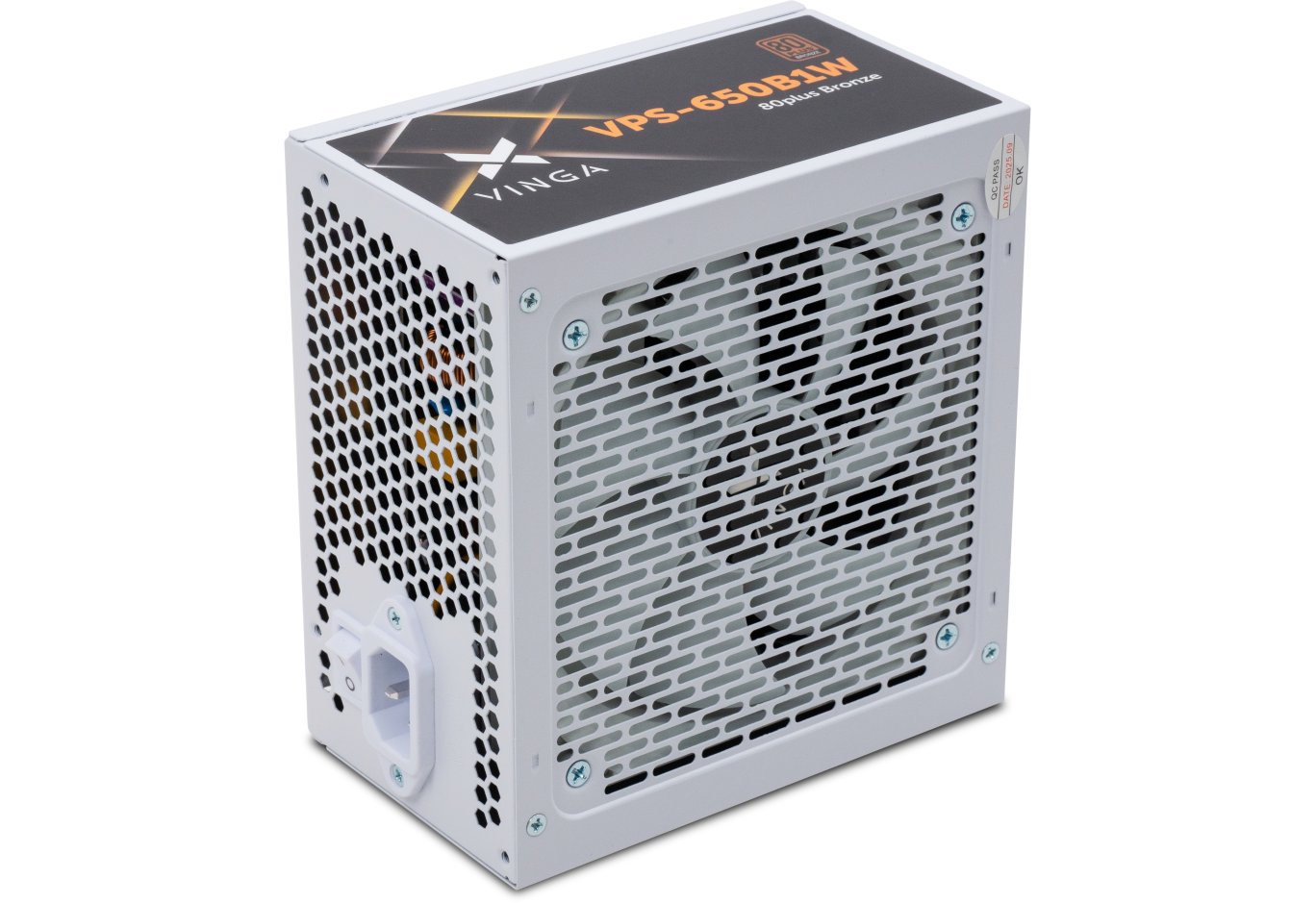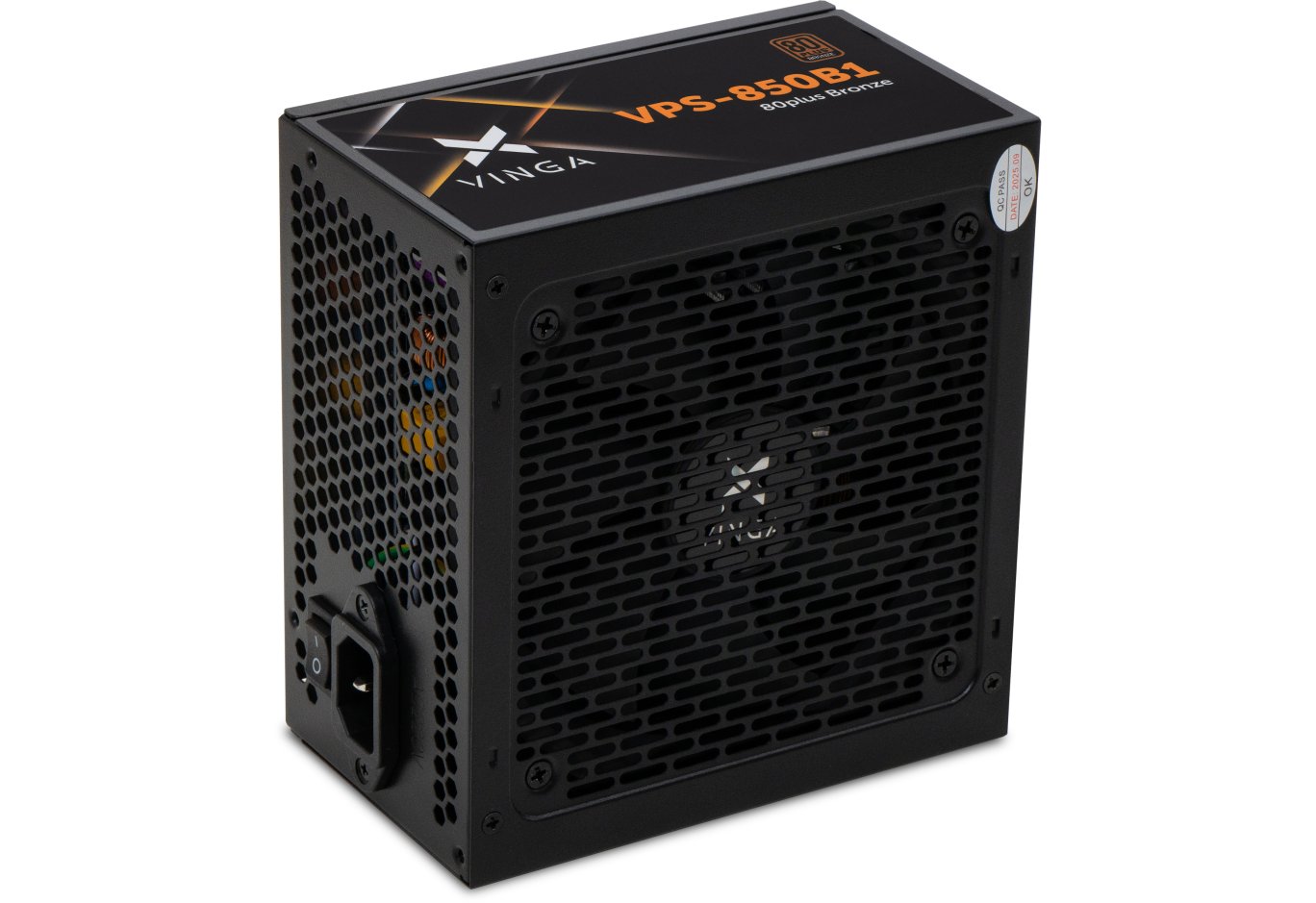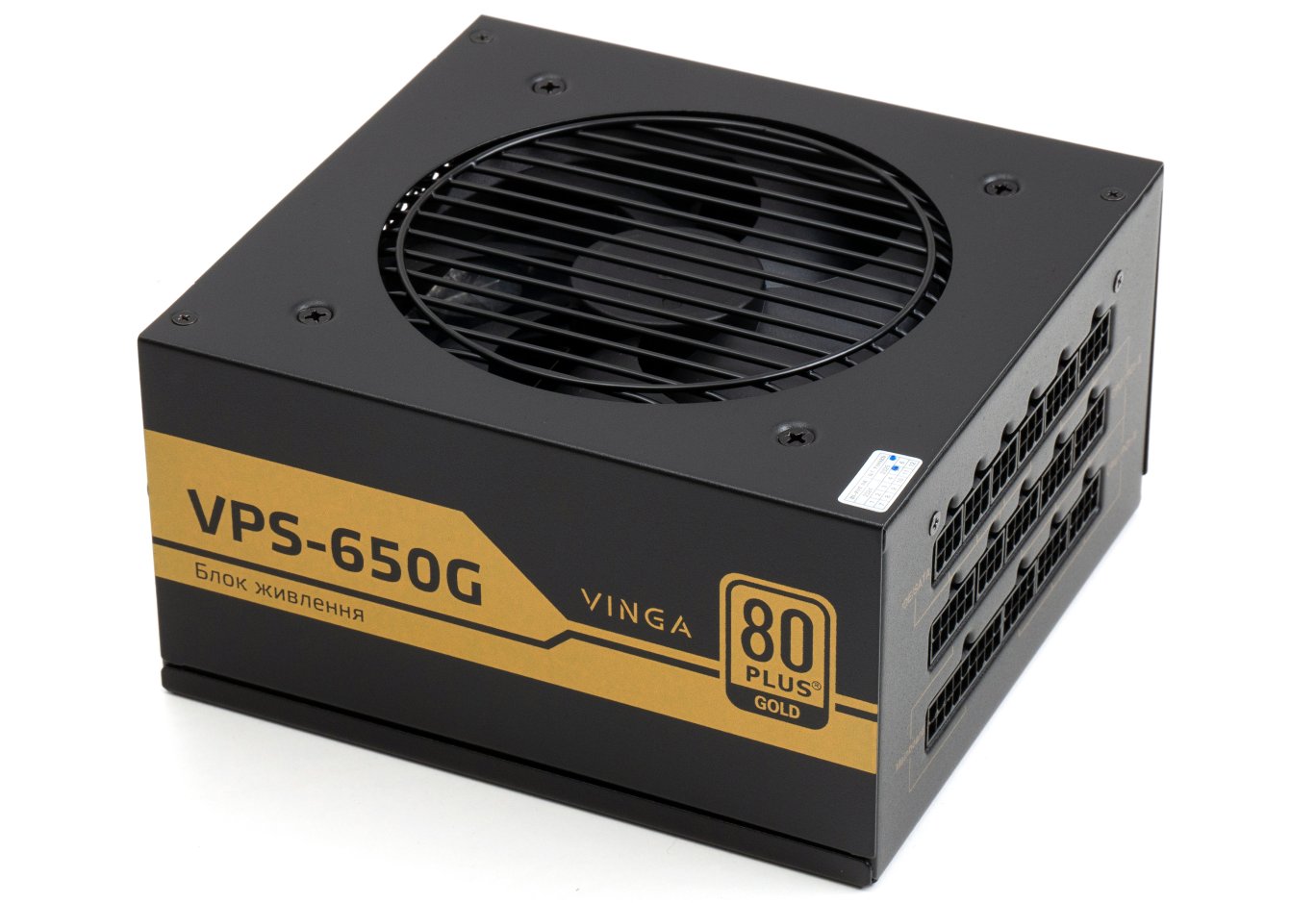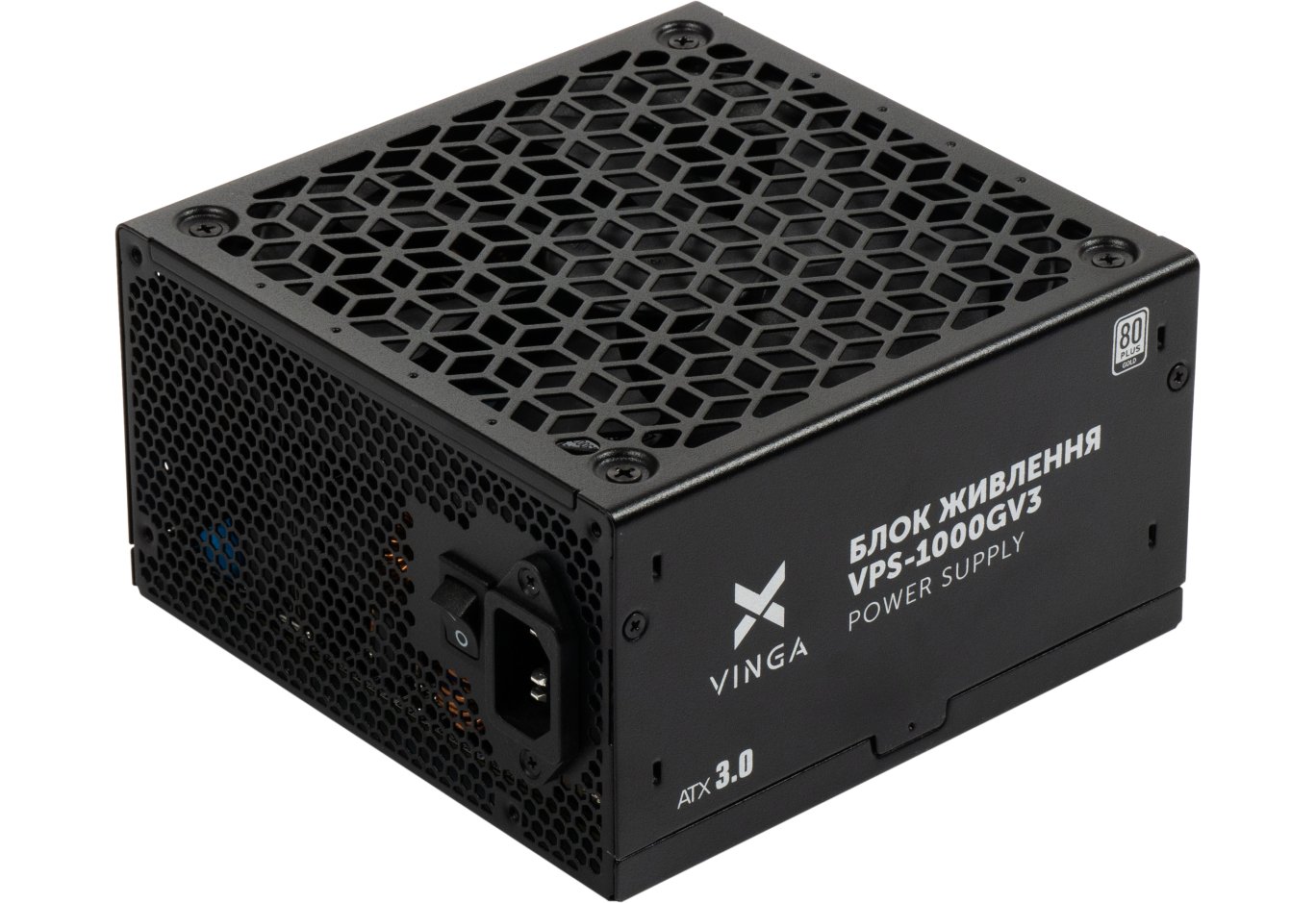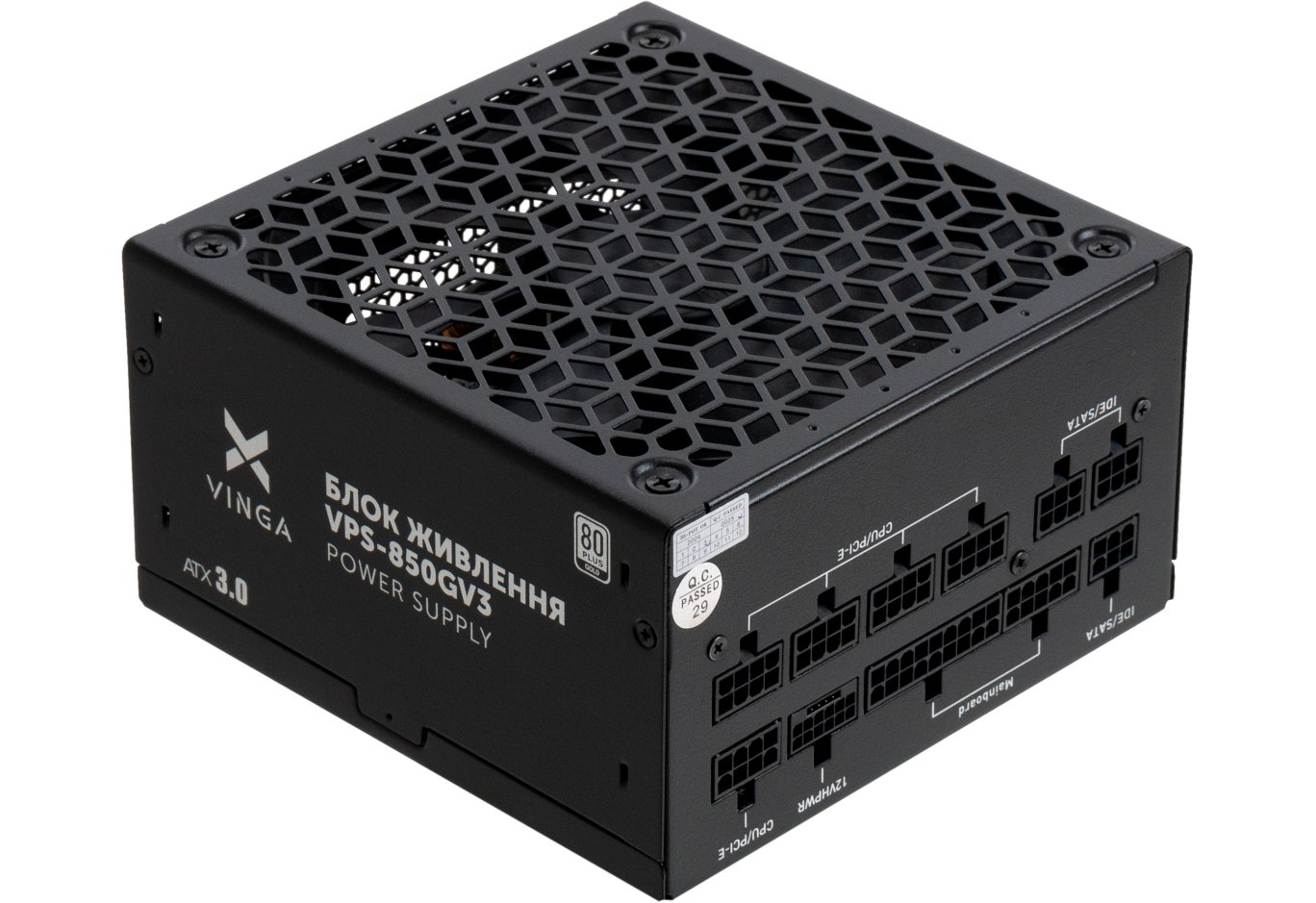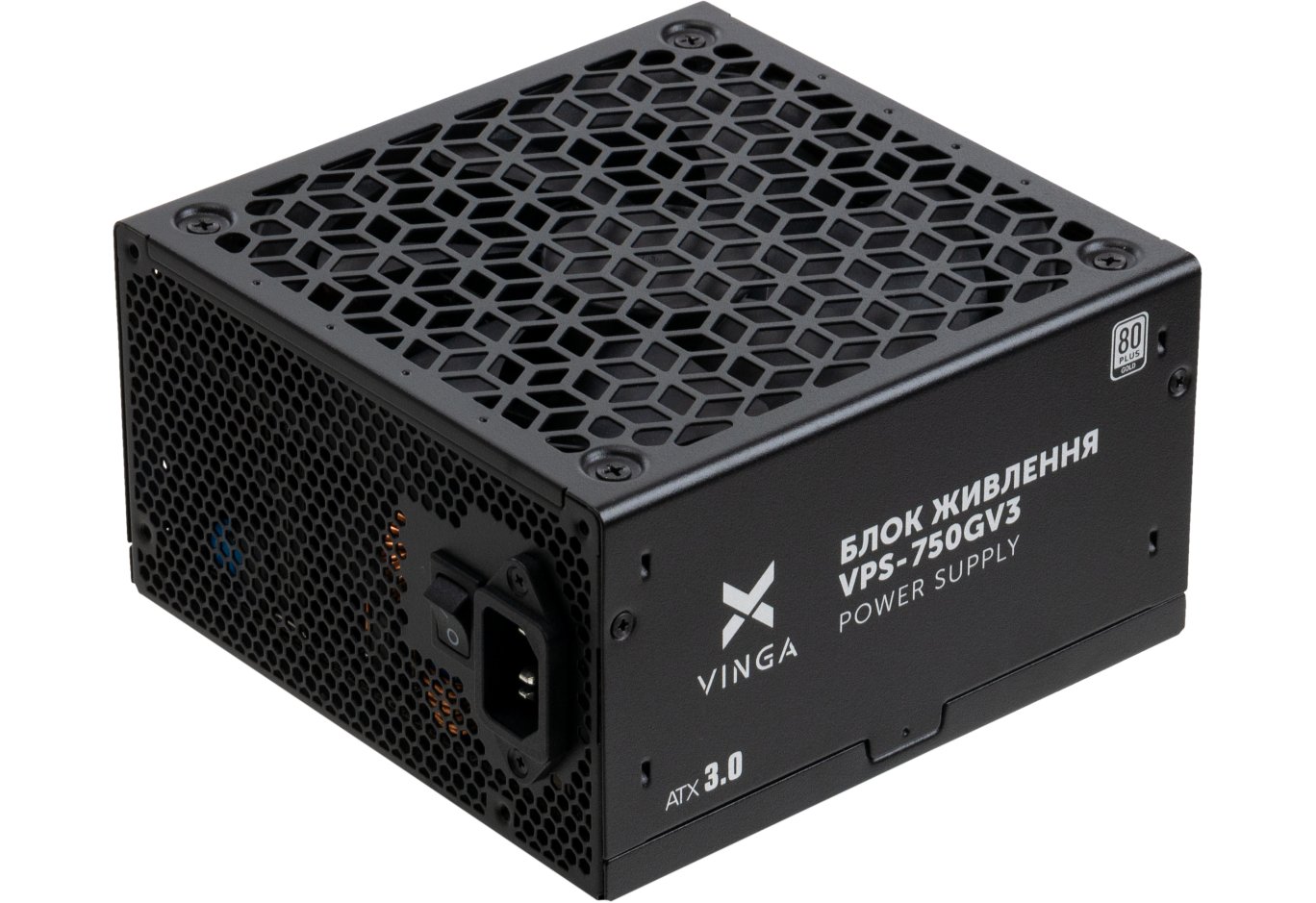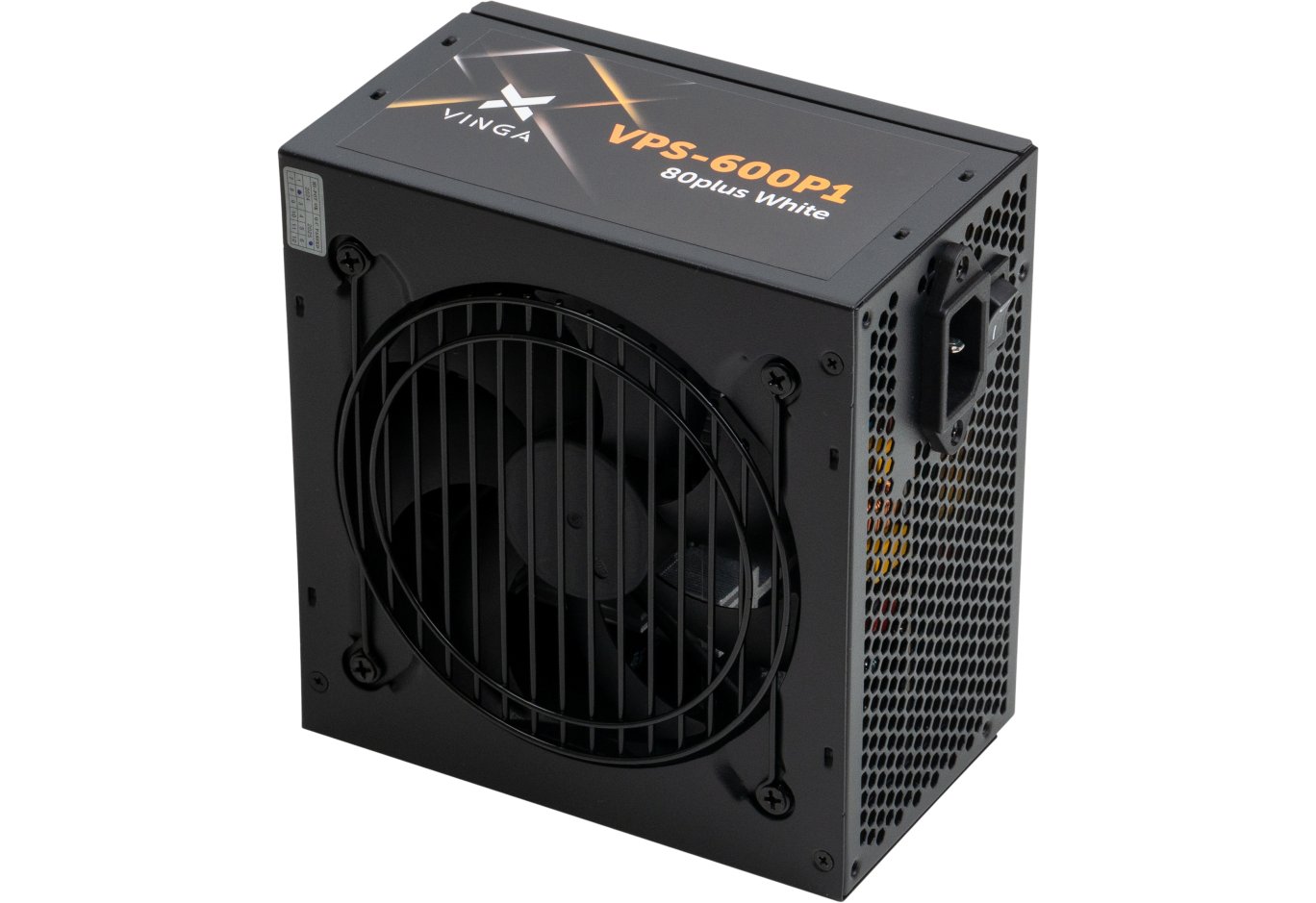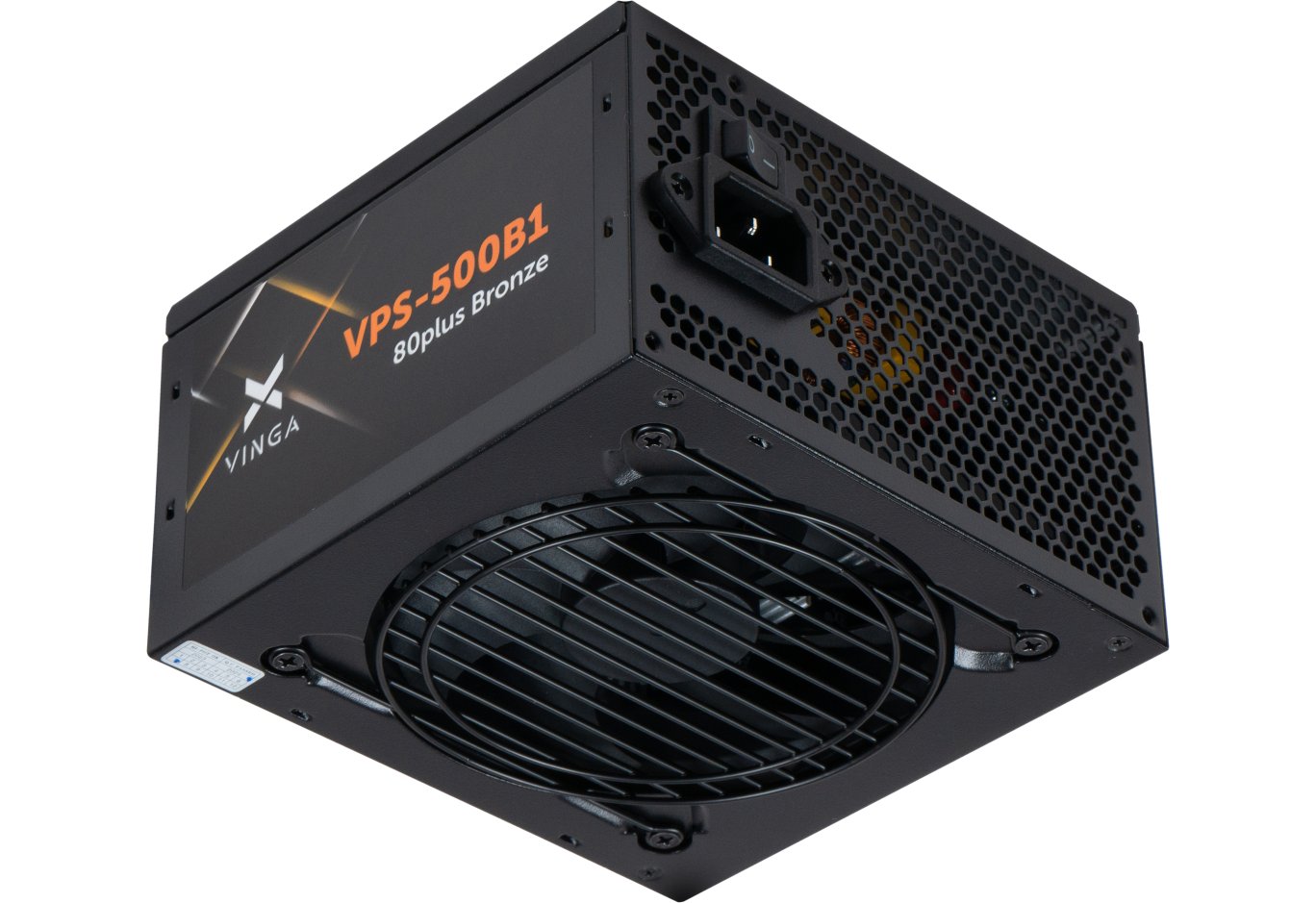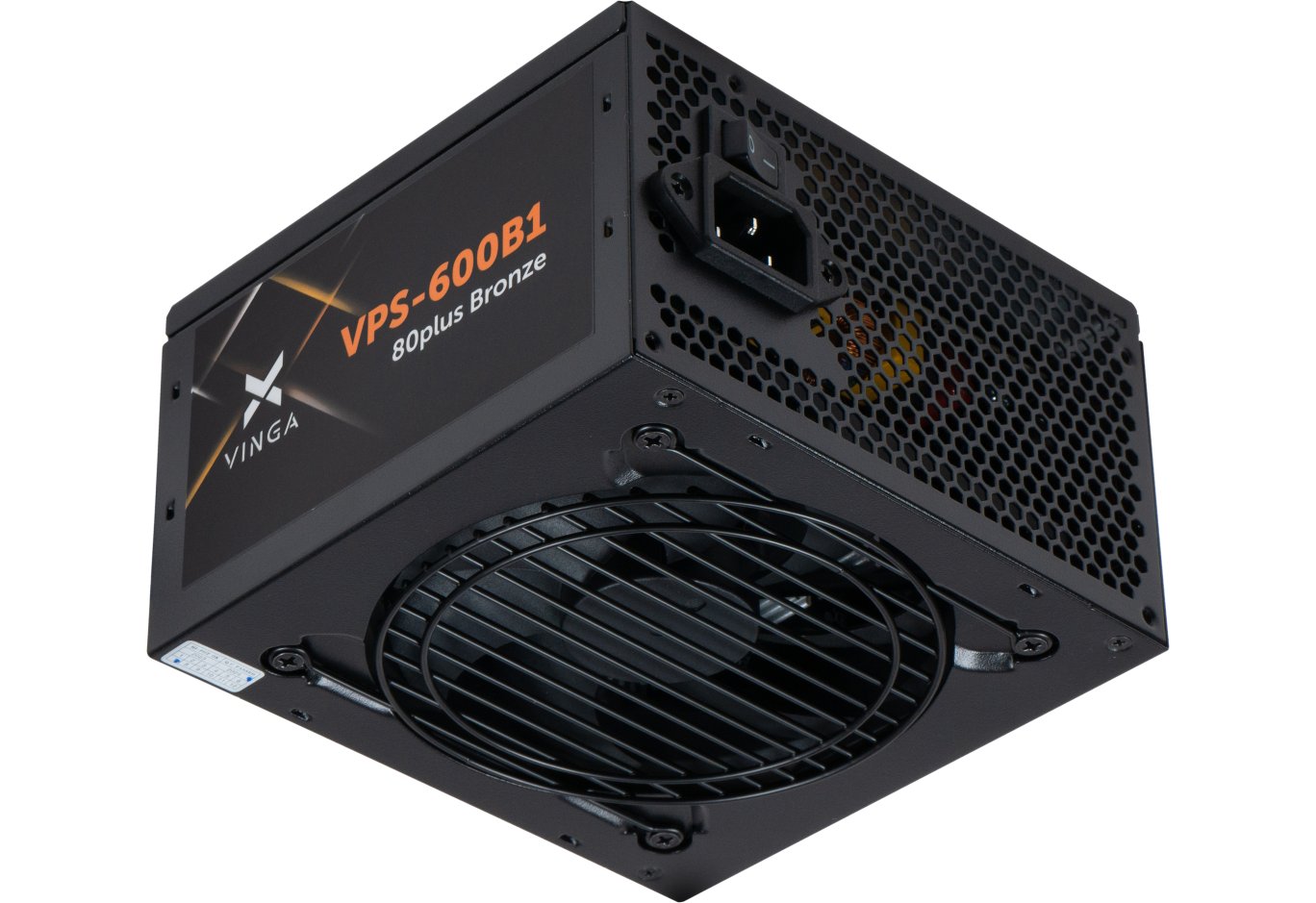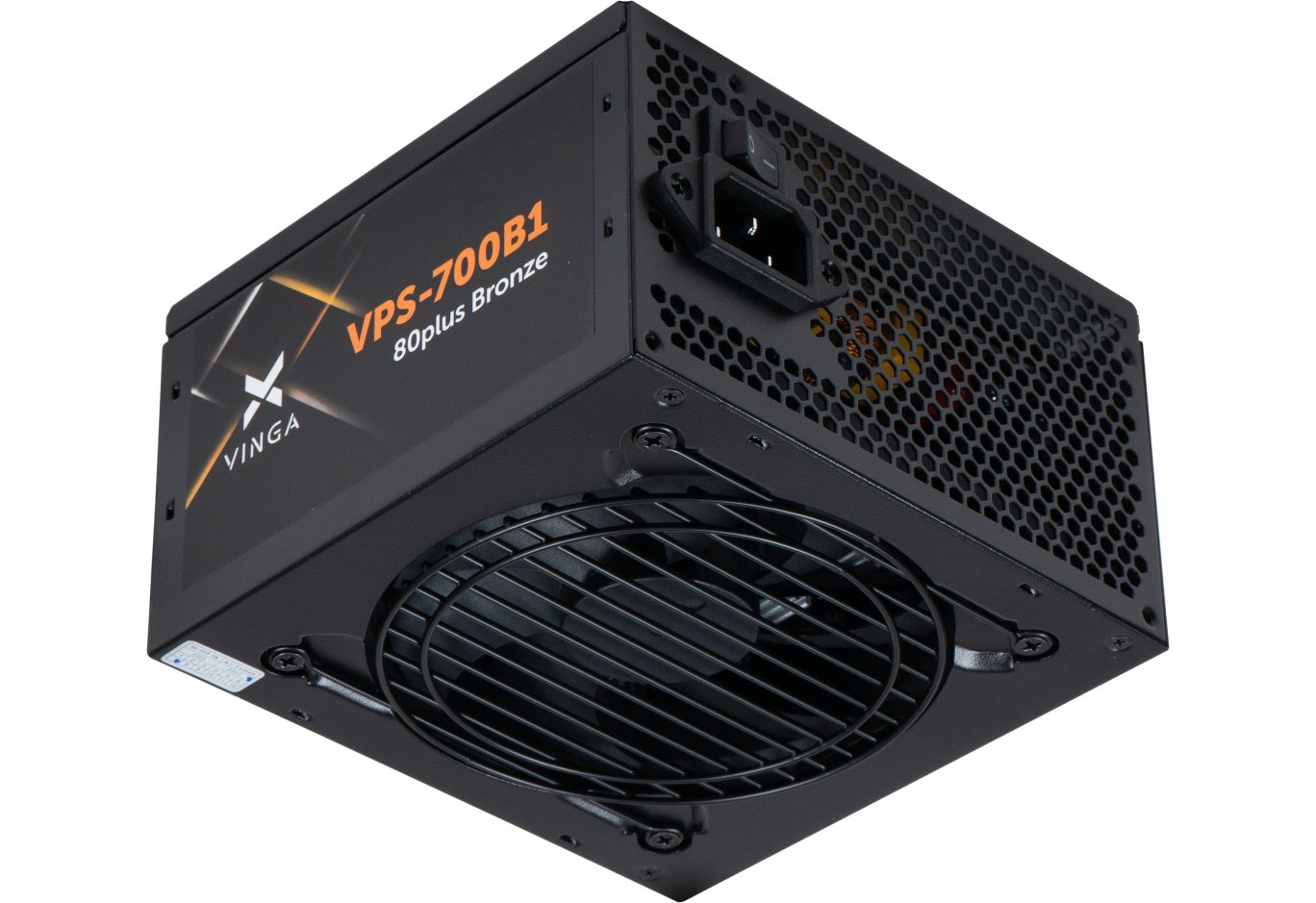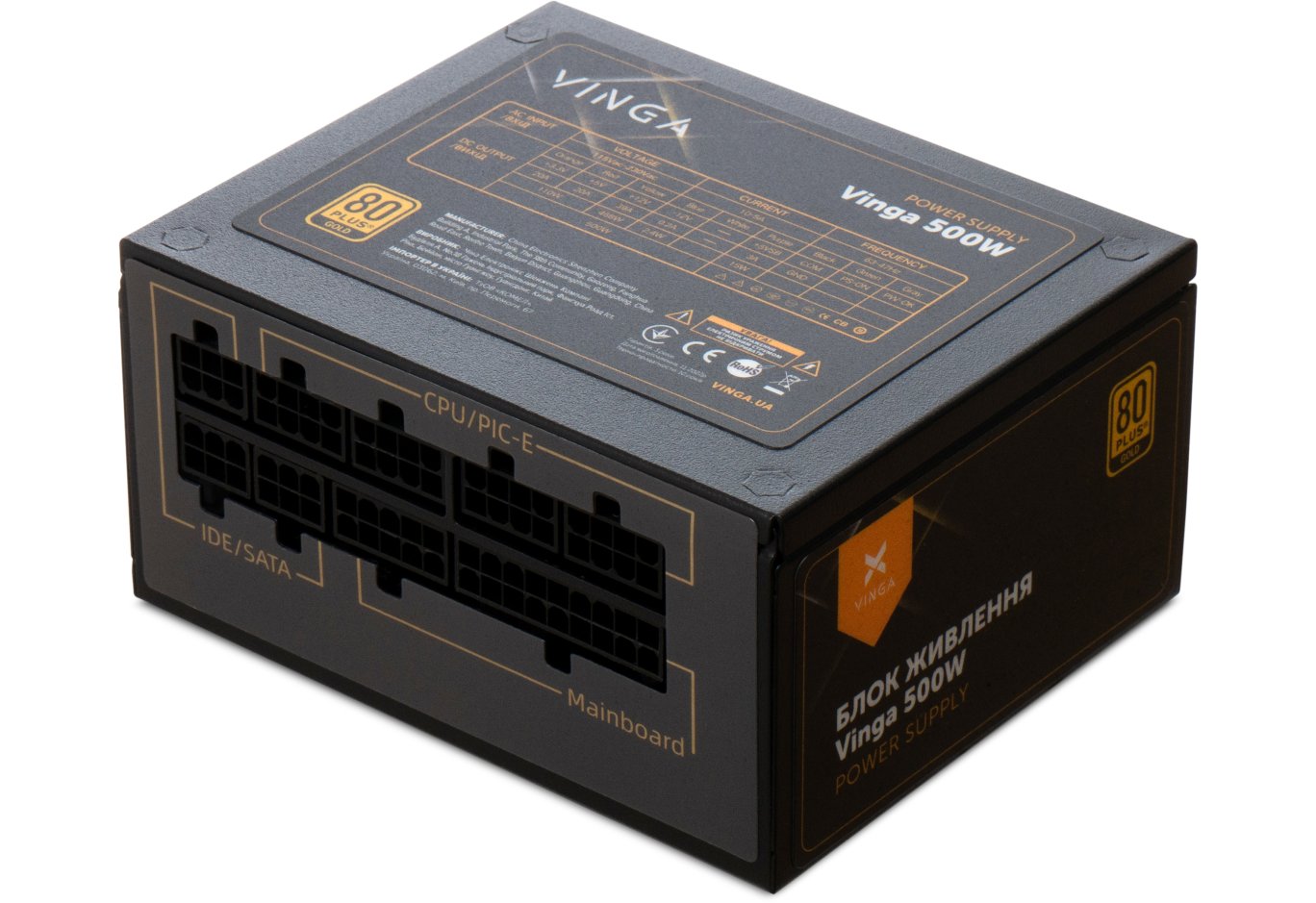




Power supply Vinga 750W (VPS-750G)
The "Golden" PSUs of the Vinga VPS-G family with a power of 550 and 650 W made the best impression on us. Their low cost is combined with a high-quality component base, quiet and efficient cooling, and excellent output performance. But how does the solution at the top of this line fare?
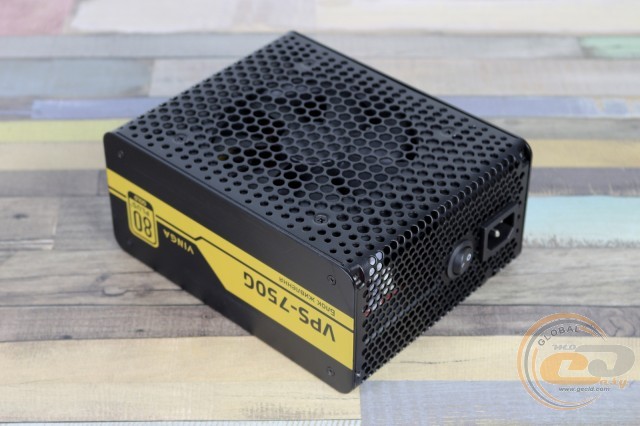
Priced at less than $100, the Vinga VPS-750G power supply is noticeably cheaper than devices of similar power with an 80 PLUS Gold certificate from more well-known brands. The buyer will only need to add $15 to the cost of the 650-watt model, so we are very interested in comparing them and finding out what bonuses the extra payment for the 750-watt novelty will bring. So, let's take a look.
Specification
|
Model |
Vinga VPS-750G |
|
|
Type |
ATX12V |
|
|
Rated Power, W |
750 |
|
|
Power on 12V Channel, W |
732 |
|
|
Power on +3.3V and +5V Lines, W |
100 |
|
|
Number of +12V Lines |
1 |
|
|
Outputs, A |
+3.3V |
24 |
|
+5V |
15 |
|
|
+12V |
61 |
|
|
-12V |
0.3 |
|
|
+5Vsb (standby power line) |
3 |
|
|
Input Voltage, V |
100 − 240 |
|
|
Frequency, Hz |
47 − 63 |
|
|
Input Current, A |
6 − 12 |
|
|
Efficiency, % |
>90 |
|
|
80 PLUS Certified |
Gold |
|
|
Power Factor Correction Method |
Active |
|
|
Power Factor (PF), % |
>90 |
|
|
PCIe Connectors |
4 (6+2-pin) |
|
|
Modular |
Yes |
|
|
Fan Dimensions, mm |
120 x 120 x 25 |
|
|
Fan Bearing Type |
Hydrodynamic |
|
|
Protections |
OPP, OVP, SCP |
|
|
Dimensions, mm |
190 x 152 x 86 |
|
|
Warranty, years |
3 |
|
|
Manufacturer's Website |
||
Packaging and Delivery Set
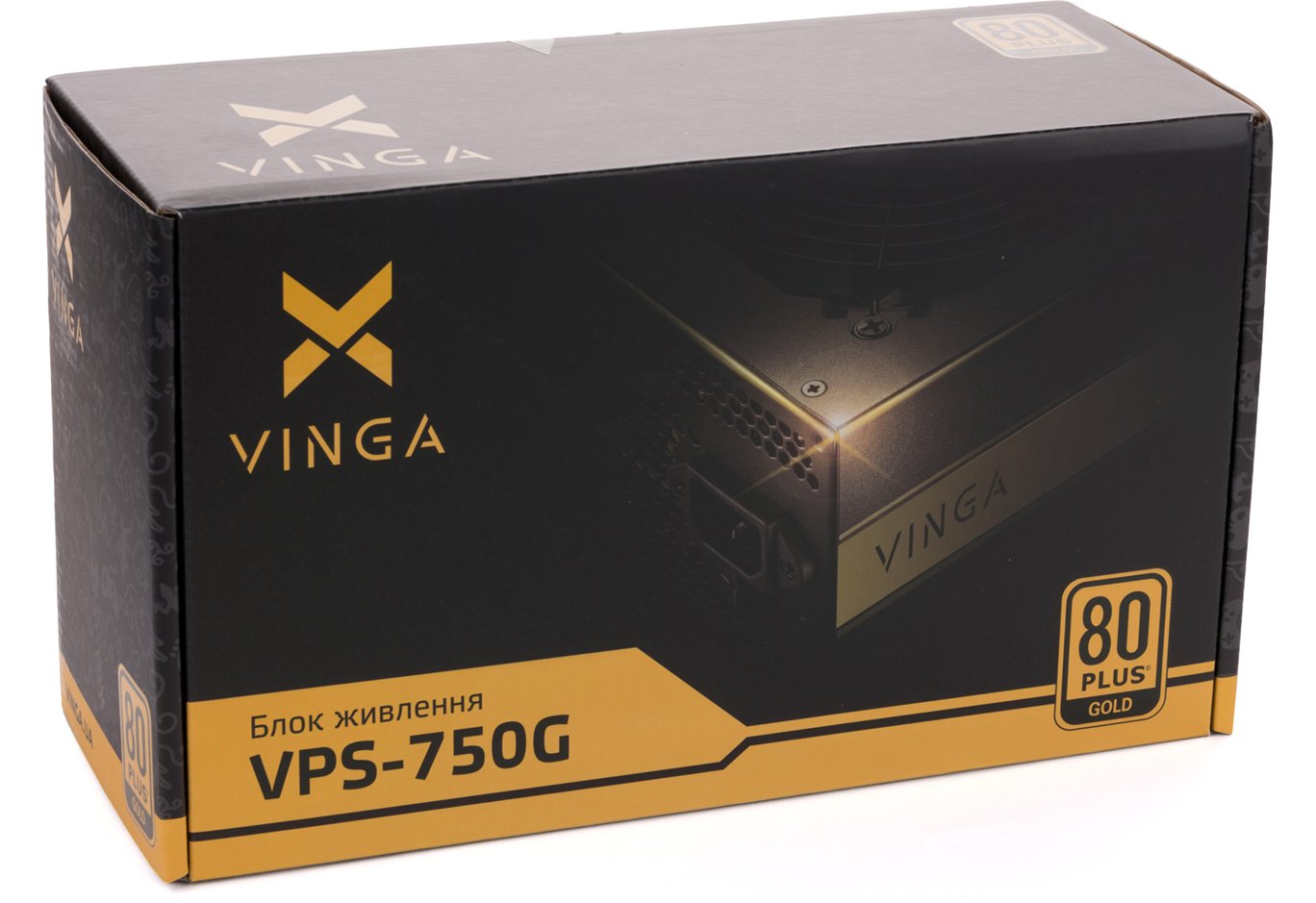
The beautiful packaging highlights the main advantages of the device and the available connectors for connection. There is no specification table here, but as per tradition, we have compiled one for you on this page. Enjoy!
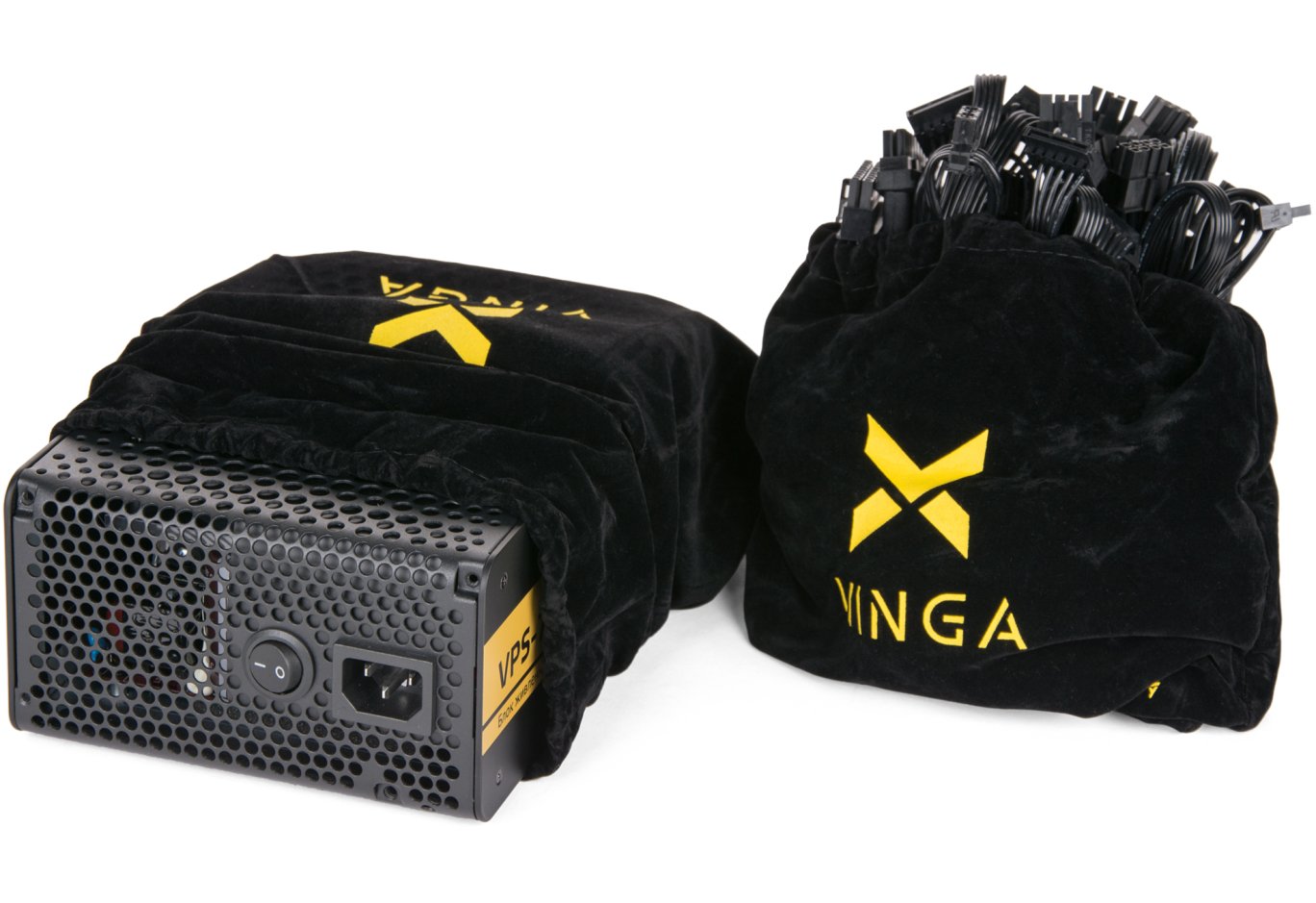
Inside, there are two branded pouches: one contains the PSU itself, and the other contains the connecting cables. Additionally, the package includes six mounting screws with decorative heads and a power cable.
Appearance
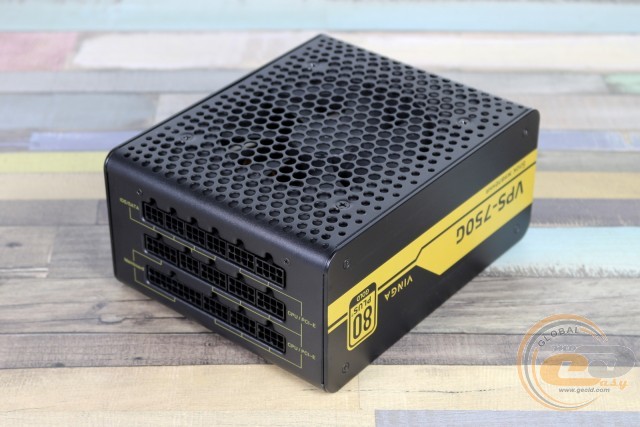
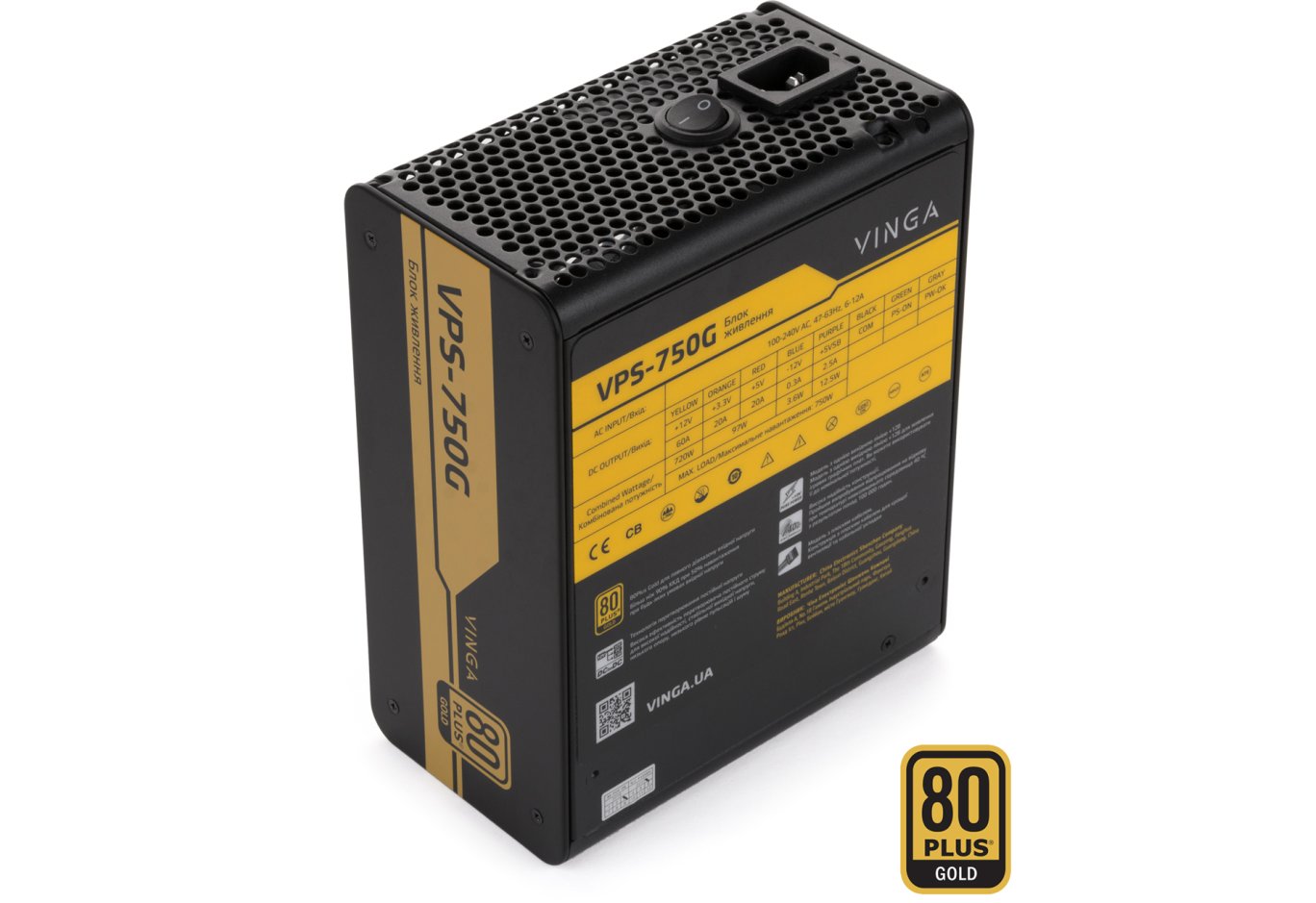
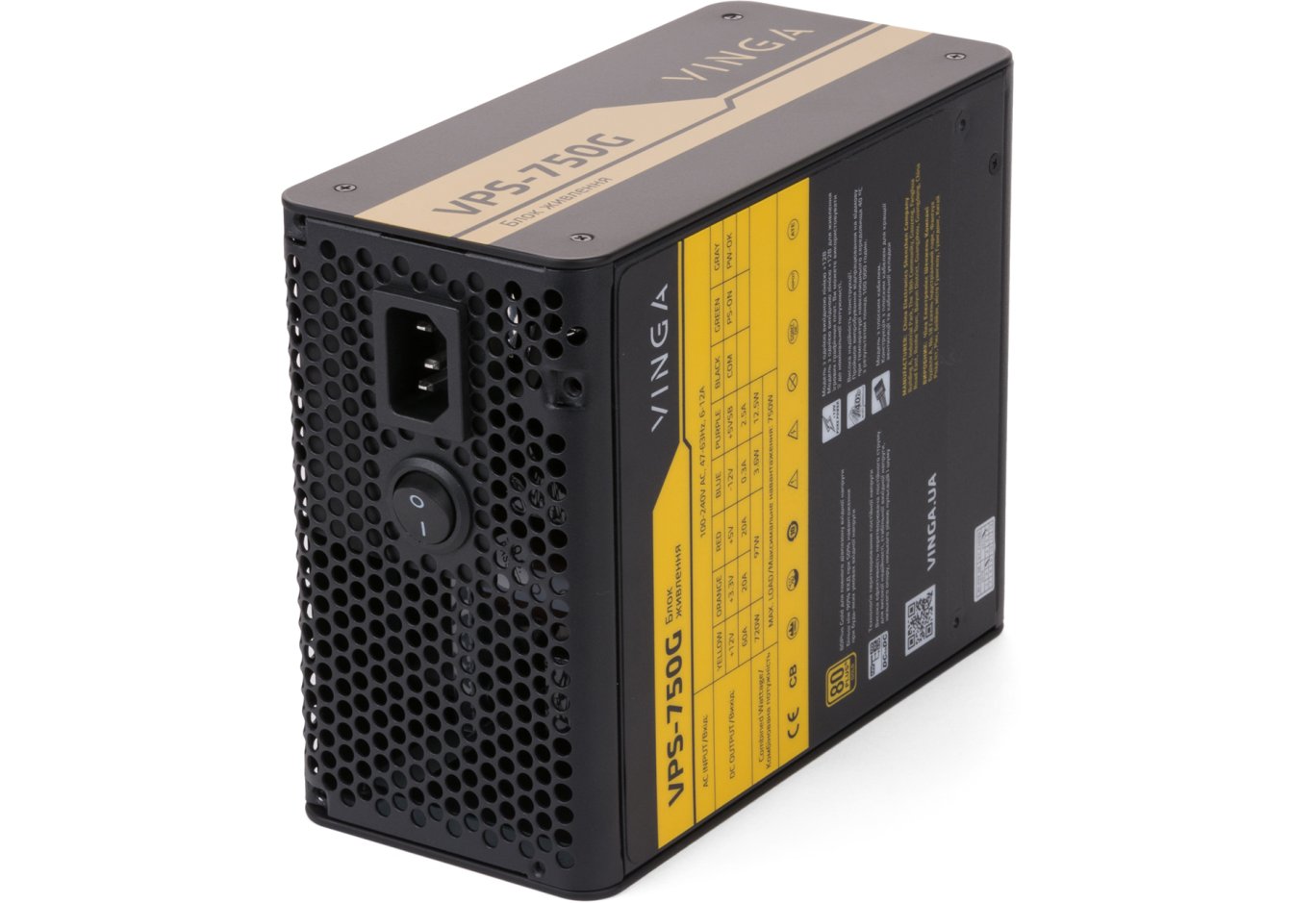
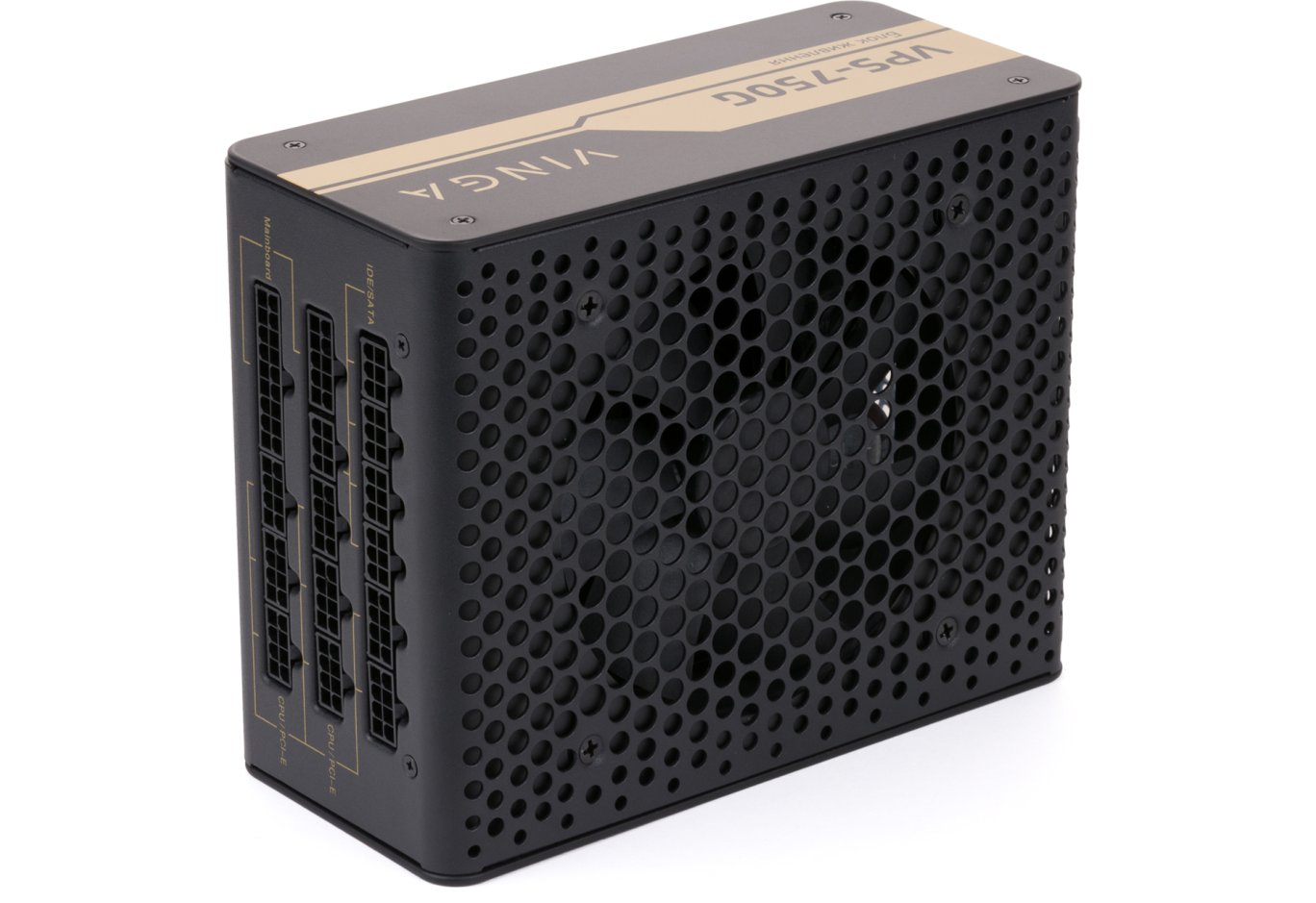
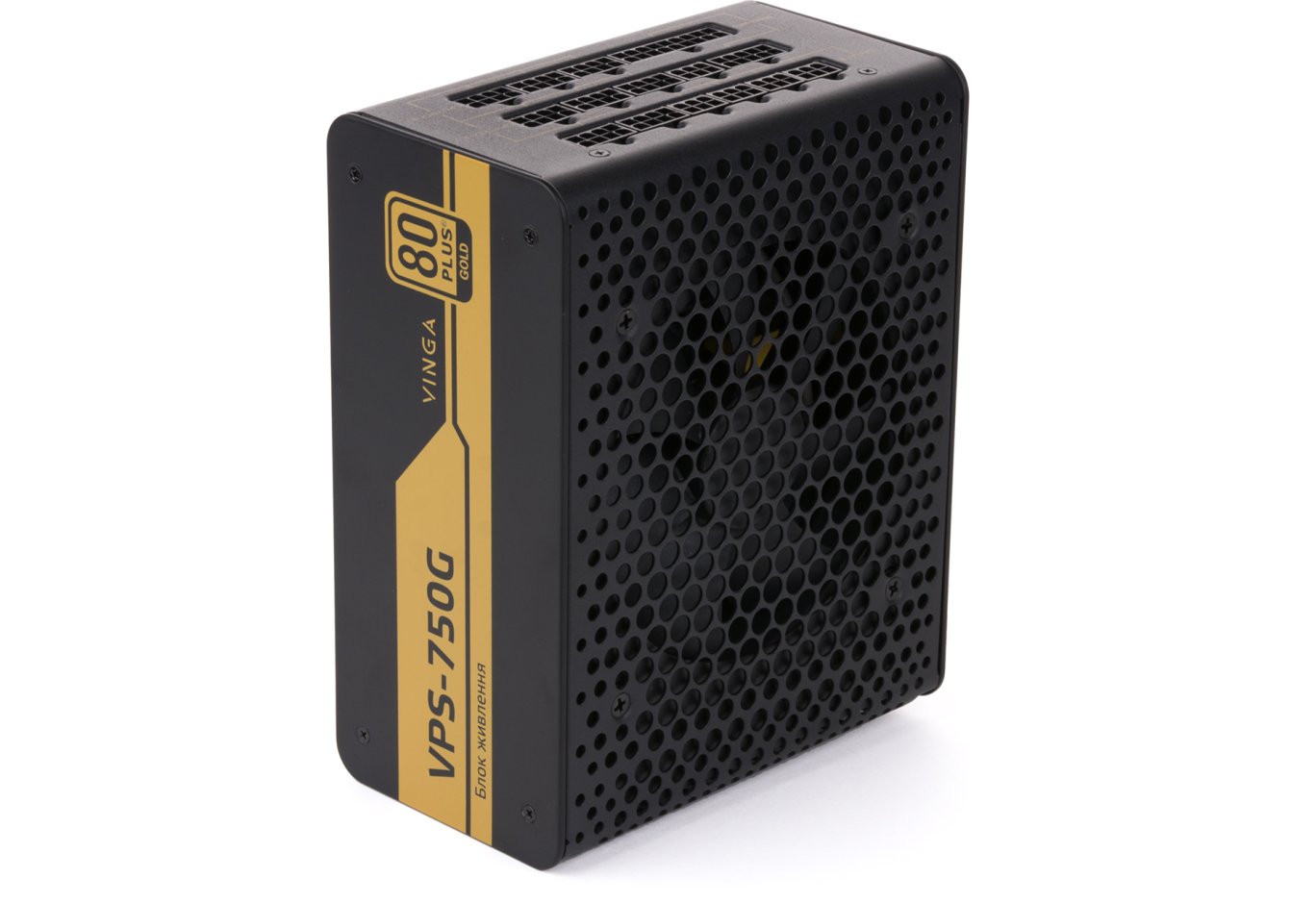
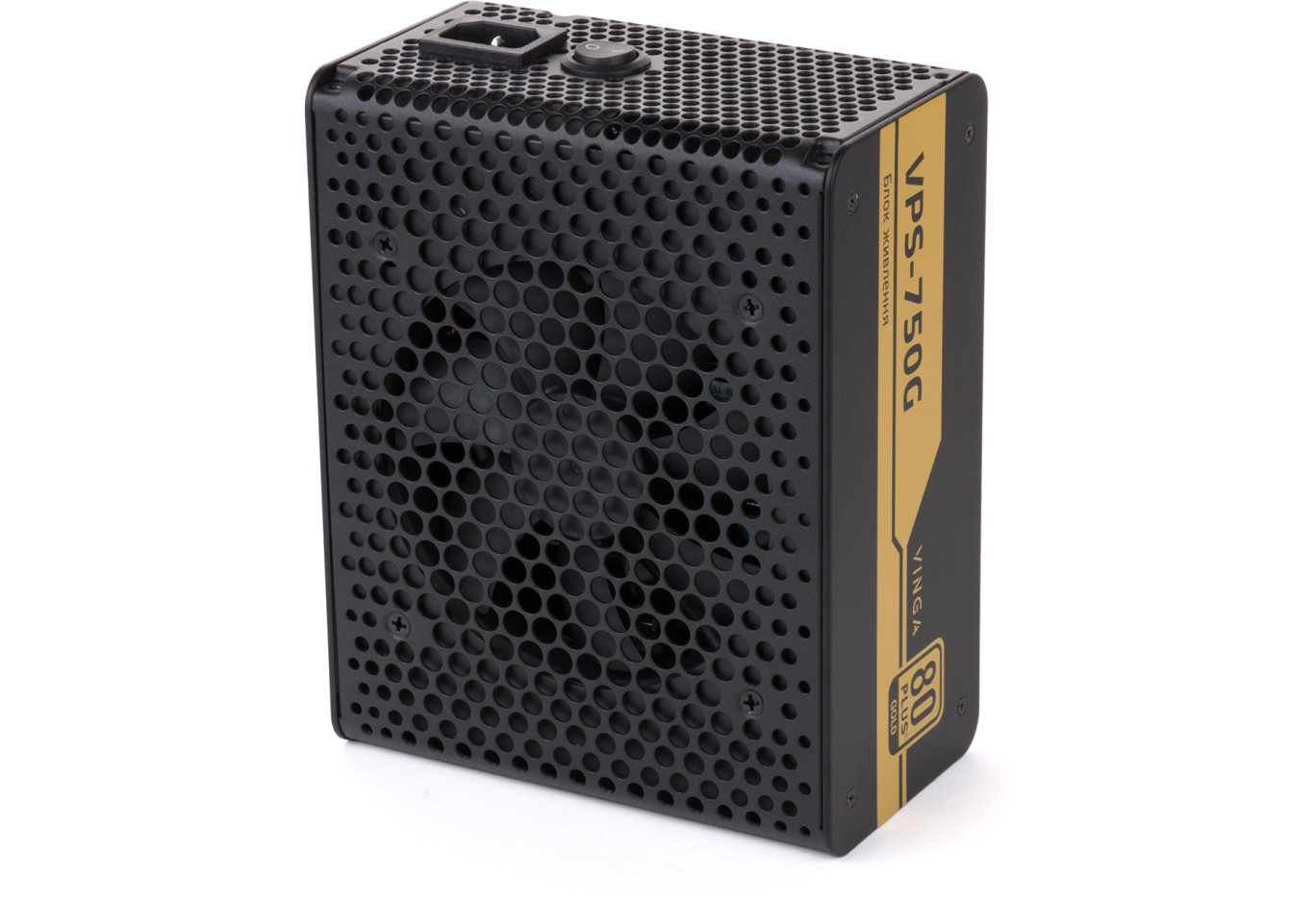
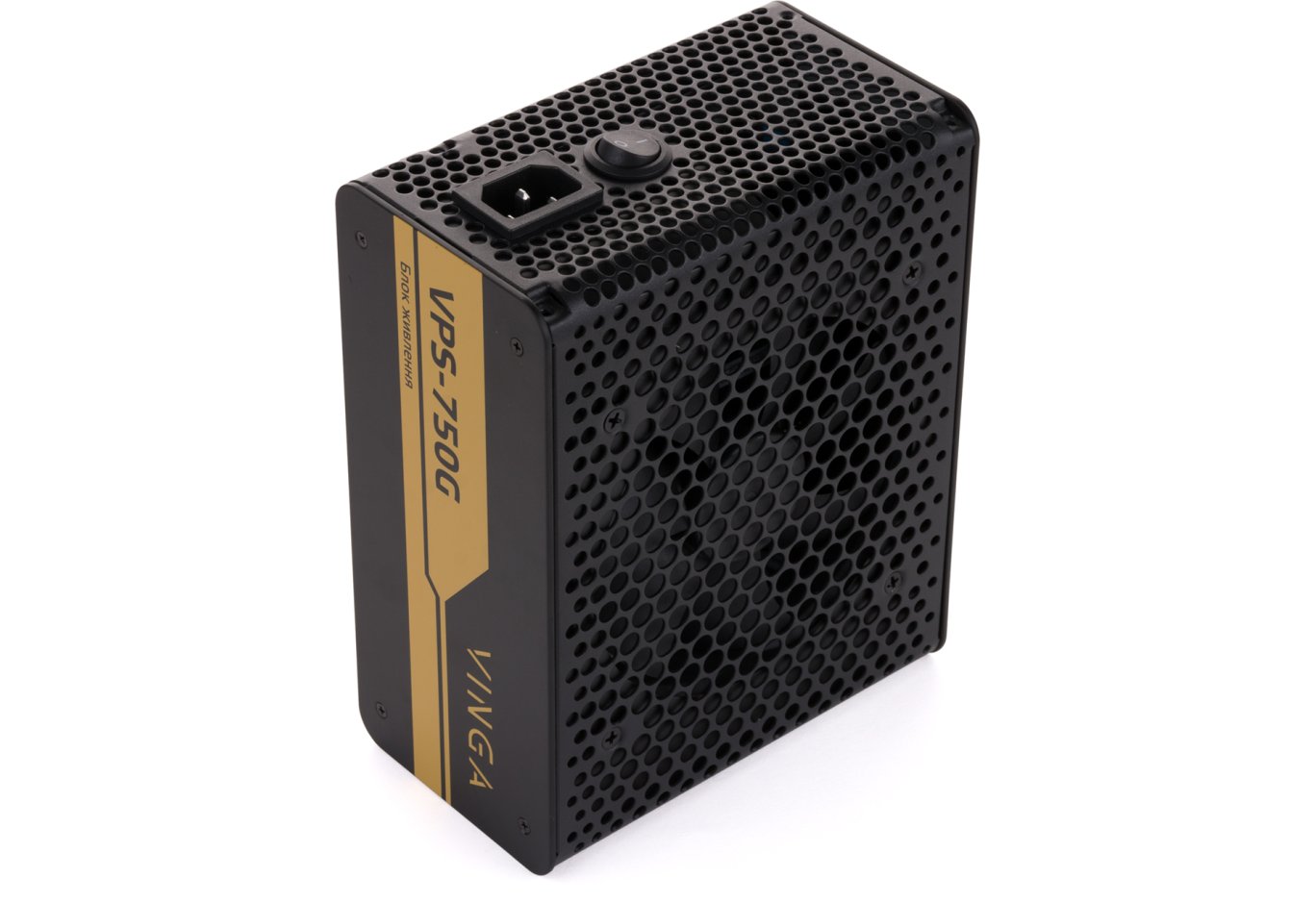
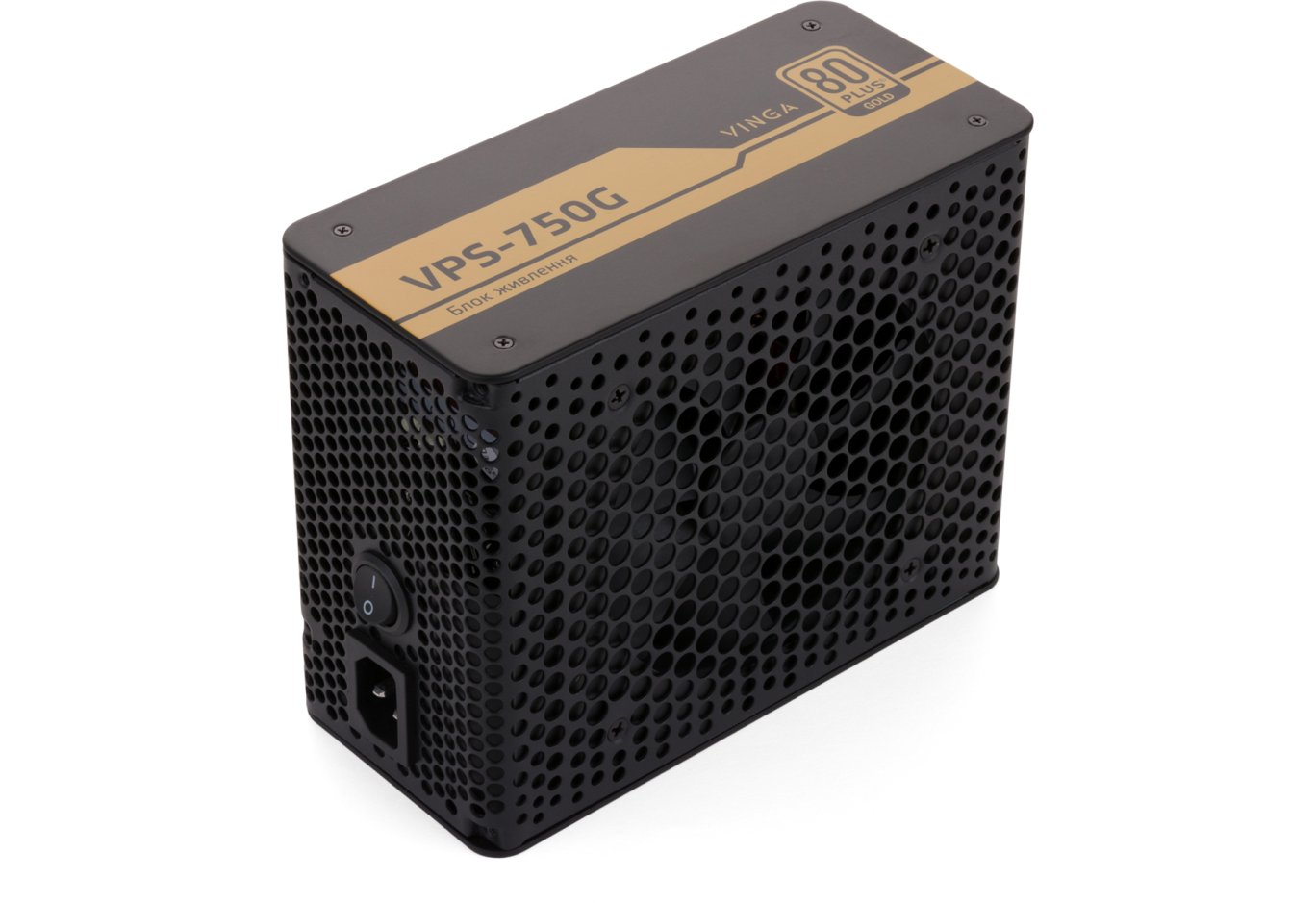
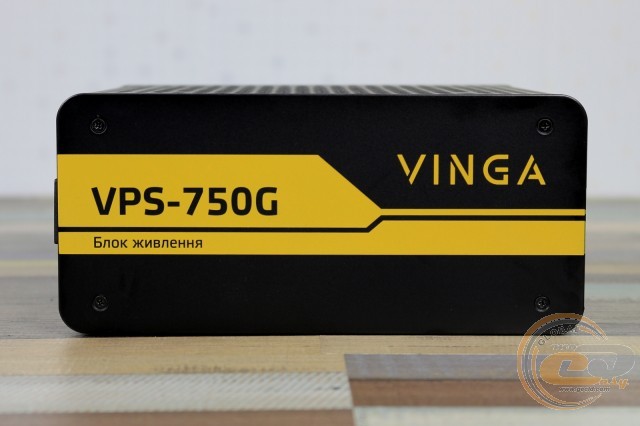
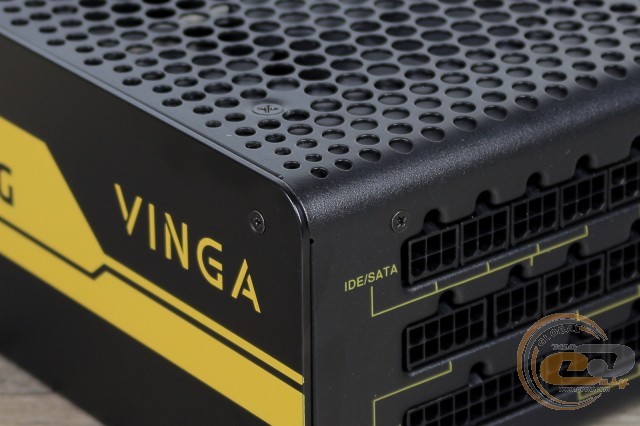
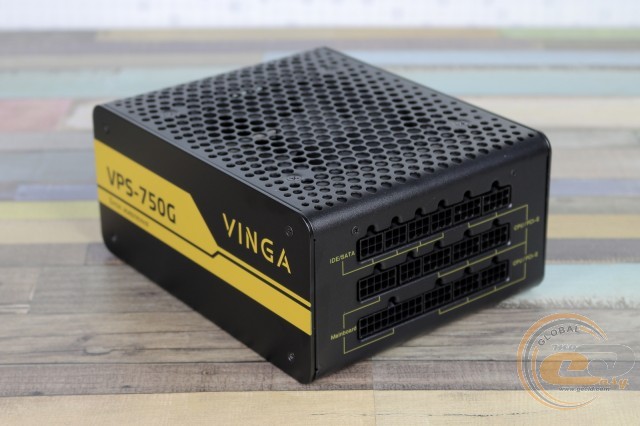
Beautiful - rounded corners, unconventional shapes. Impractical - large dimensions, won't fit in every case. Simply put, in terms of design, the Vinga VPS-750G is the same as the lower solutions.
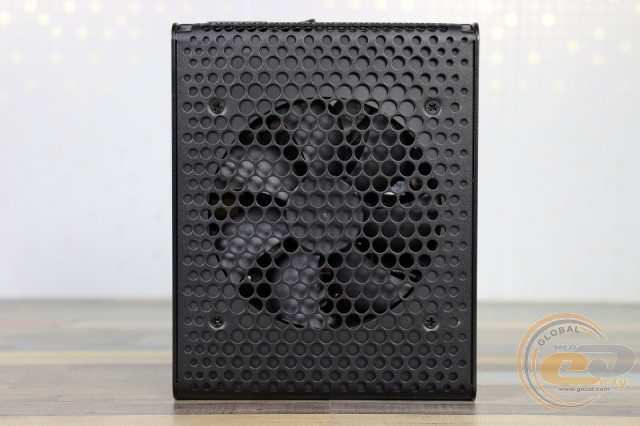
The 120mm fan receives air through round holes. Yes, larger solutions could have been installed, but in less powerful models, even such a propeller handled the task without problems.
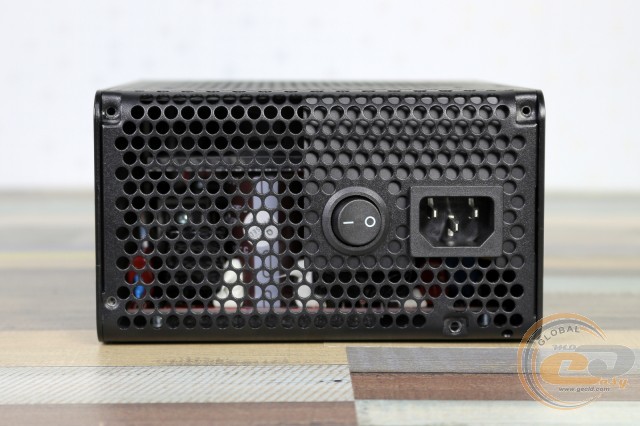
The rear side boasts the usual power socket and on/off button. The branded circles are also everywhere here.
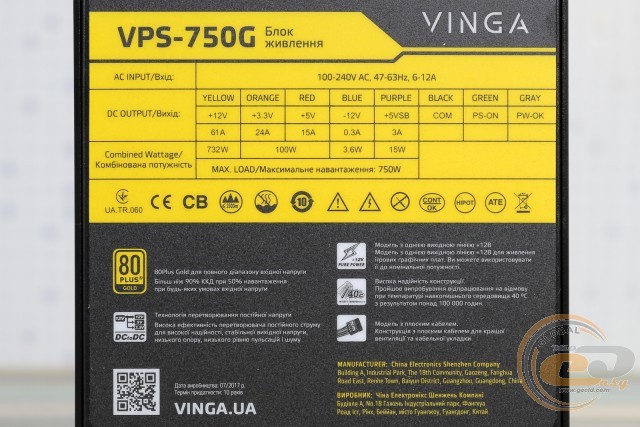
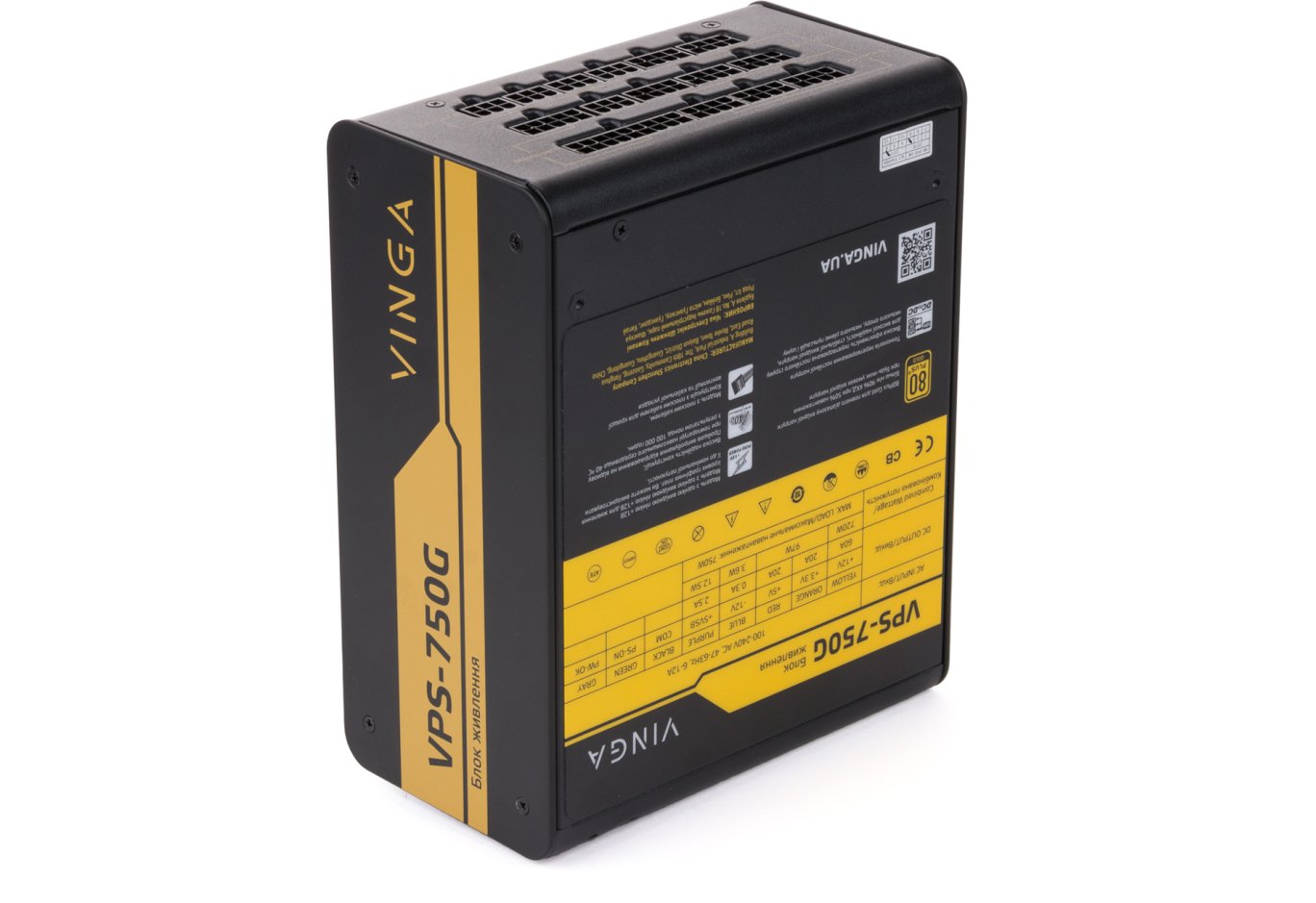
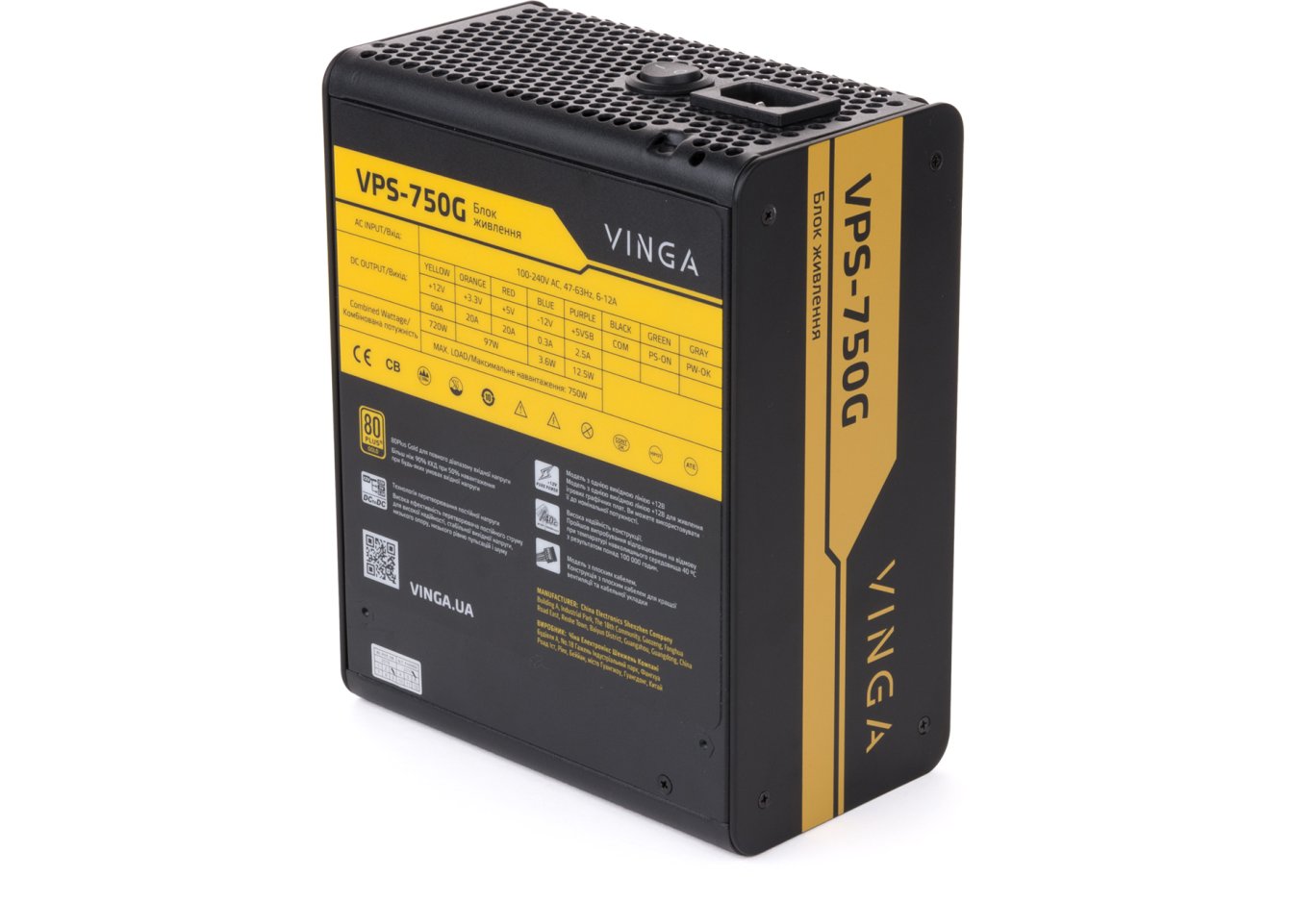
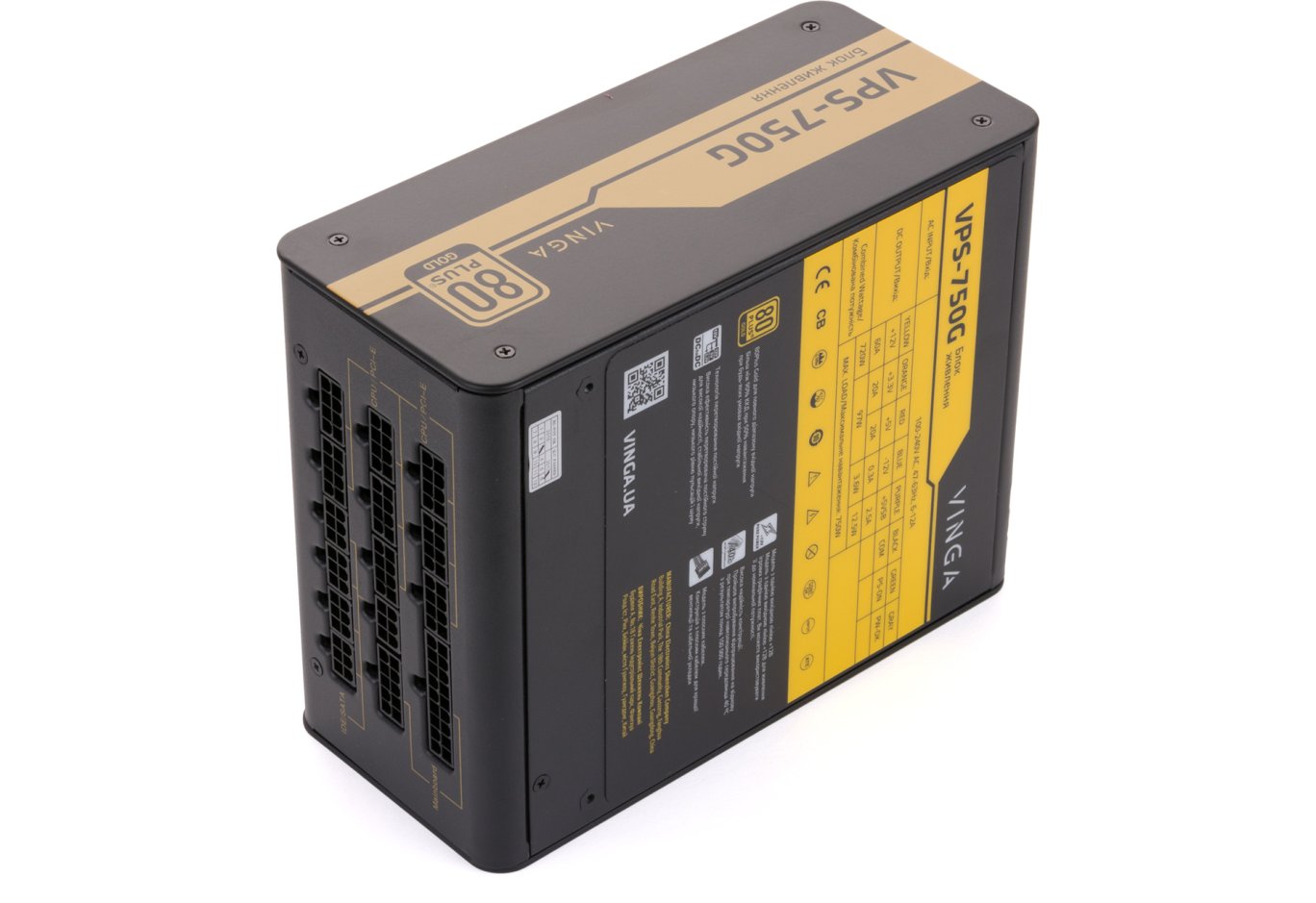
The table is complemented by a list of key features of the source with minimal translation flaws. The date and place of manufacture are also indicated - as you have already guessed, we have a guest from China. Well, in 2018 it would be strange to see "Made in Japan" here, especially considering the affordability of the device.
Now about the electrical specifications. The single 12-volt rail has a power of 732 W (61 A), which is almost 98% of the nominal. For the smaller +3.3 and +5 V channels, only 100 W is allocated - this should be enough.
To access the interior, you will need to additionally unscrew the screws on both sides and on the panel with the output connectors.
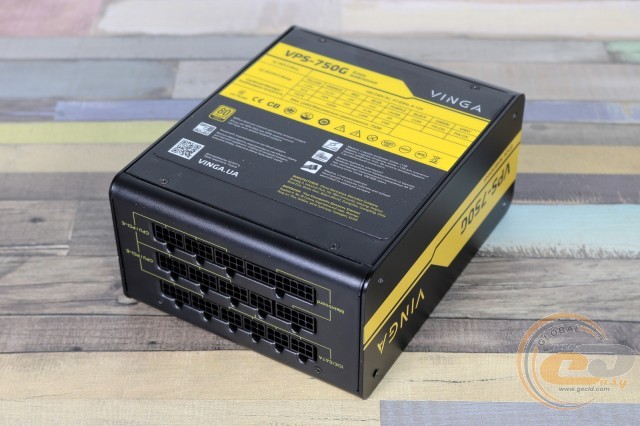
The Vinga VPS-750G power supply is equipped with a modular cable connection system, just like the 650 W solution. Similarly, all wires are made in the form of easy-to-lay ribbons, and their gauge is chosen with a thickness reserve - 18 AWG (1.02 mm in diameter with a cross-sectional area of 0.82 mm2). The length of the cables will allow for easy hidden installation.
The main connectors are represented by a 20+4-pin ATX and two 4+4-pin ATX12V - enough even for top platforms. Graphics cards can be connected via four 6+2-pin PCIe connectors, and for powering drives and other devices, there are 12 SATA (on three separate wires) and three PATA with the "forever young" FDD.
The full cable system configuration looks like this:
|
Connector Types |
Quantity |
Wire length to connector(s), cm |
|
20+4-pin ATX |
1 |
57 |
|
4+4-pin ATX12V |
2 |
60 |
|
two 6+2-pin PCIe |
2 |
50-65 |
|
four SATA |
3 |
50-65-80-95 |
|
three PATA + one FDD |
1 |
50-65-80-95 |
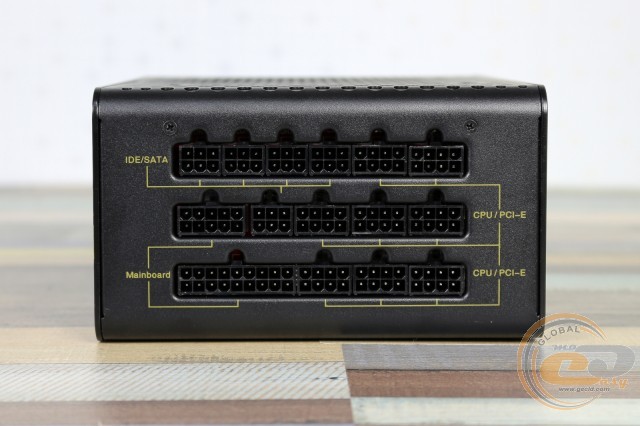
All connectors on the case and connectors on the wires are carefully labeled, so there should be no difficulties during connection.
Internal Structure
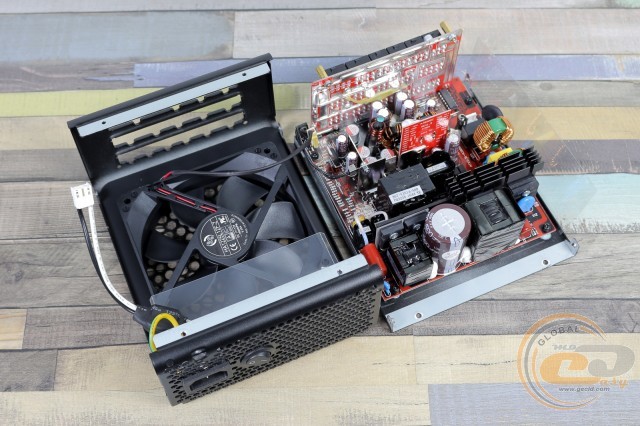
To enjoy the beauty of the interior of the novelty, we had to unscrew a total of 14 screws: 10 on the sides and 4 on the panel with the sticker. Let's immediately note the interesting shape of the used heatsink: the fins are only in its first part, while the second (which is closer to the hot power elements) is made in the form of a regular plate.
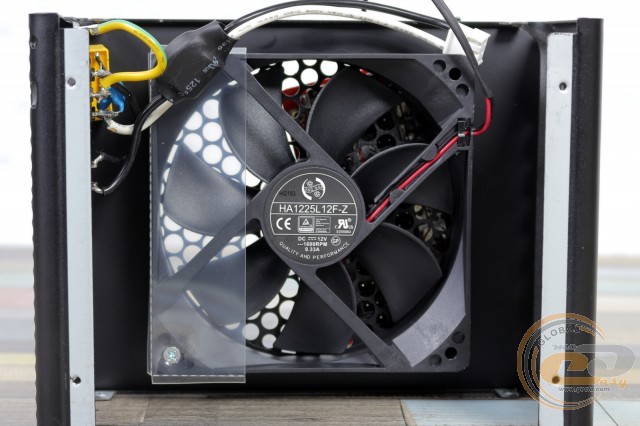
Active heat dissipation is entrusted to the 120 mm HONG HUA HA1225L12F-Z solution, which we have already seen inside the 650 W unit. The manufacturer confirmed our suspicions that the letter "F" in the fan's name indicates the use of a reliable and quiet fluid dynamic bearing (FDB). The fan itself consumes 3.96 W of electricity (12 V, 0.33 A), with a nominal rotation speed of 1600 RPM. A removable two-pin connector is used for connection - if necessary, replacing it will be easy.
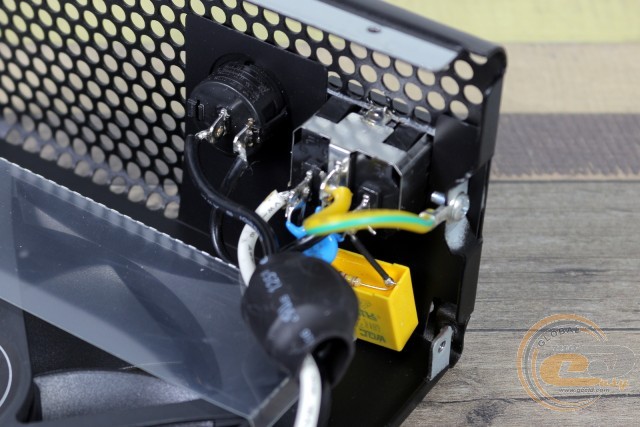
Next to it is part of the EMI filter, consisting of two Y and one X capacitor. Further, power is supplied to the main power PCB through a 3-pin connector, in which two outer connectors are used.
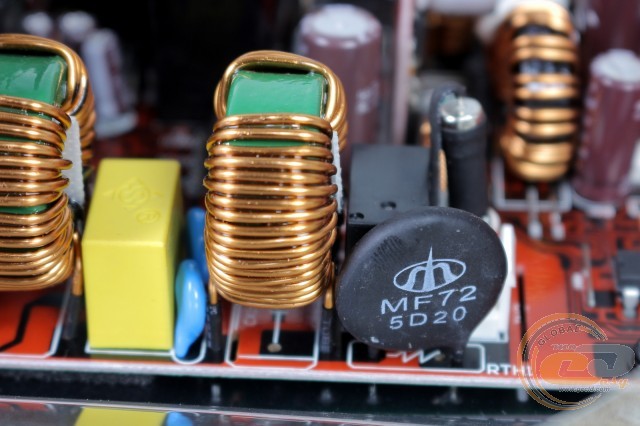
Other elements of the electromagnetic filter are soldered on the main PCB. Among them: a varistor, a pair of chokes, two Y and one more X capacitor, as well as a fuse.
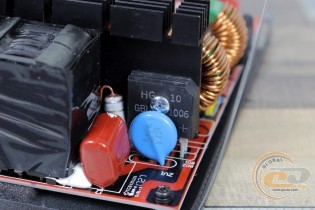
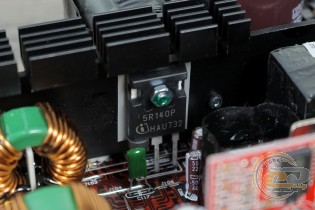
For voltage rectification, a pair of diode assemblies GBU1006 is used. Each of them is rated for 10 A. Cooling with the main heatsink is pleasing, but the way they are mounted on one side is not very much. This same cooler dissipates heat from the high-voltage power elements, including transistors Infineon 5R140P.
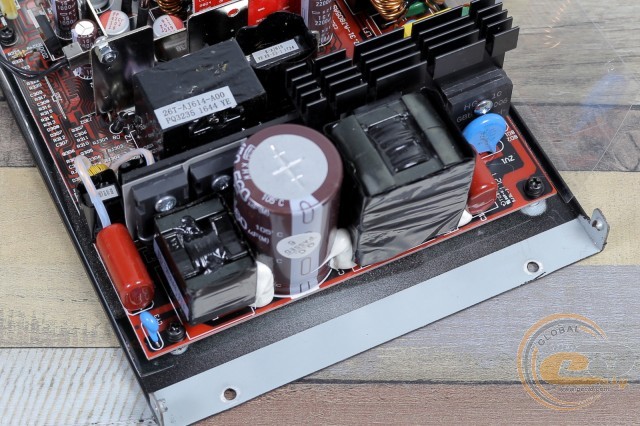
Nearby is the inductor of the active power factor correction (APFC) module, housed in a plastic case.
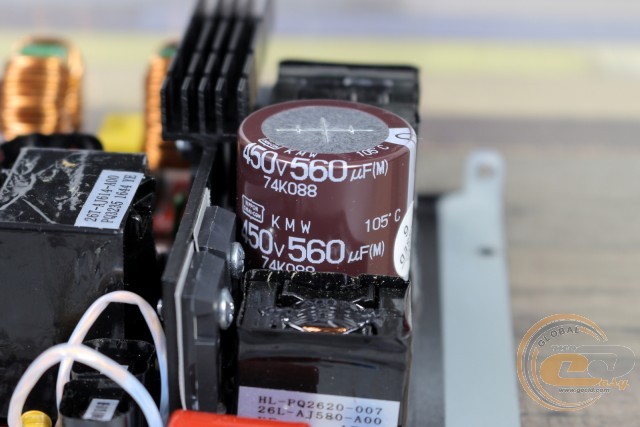
Next is the input electrolytic capacitor from the Japanese manufacturer Nippon Chemi-Con (560 µF x 450 V). Excellent quality of the element here is combined with proper capacity and the ability to operate at high temperatures. Recall, inside the 650 W unit, the capacity of this capacitor left much to be desired.
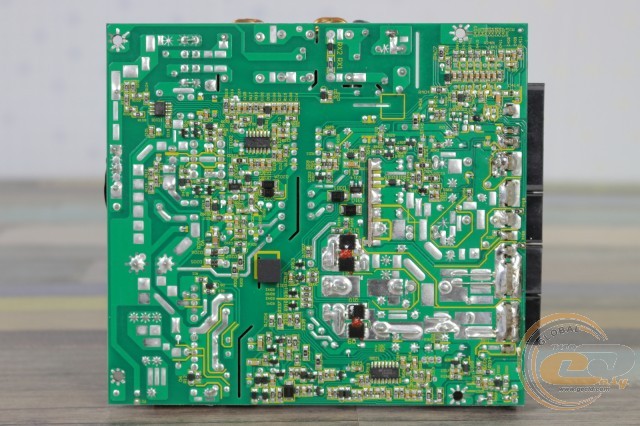
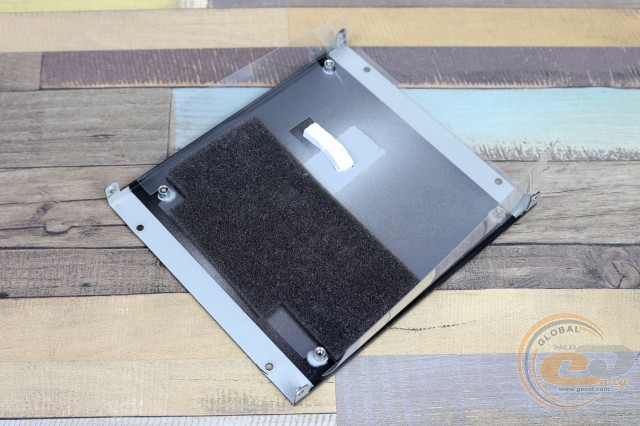
The voltage of the main +12V rail is formed by a synchronous rectifier, from which DC-DC converters produce other necessary ratings. Thanks to this, we have completely independent voltage stabilization on different buses.
The synchronous rectifier has four MOSFETs located on the back of the PCB. Through thermal pads, heat from them is dissipated to the case of the source.
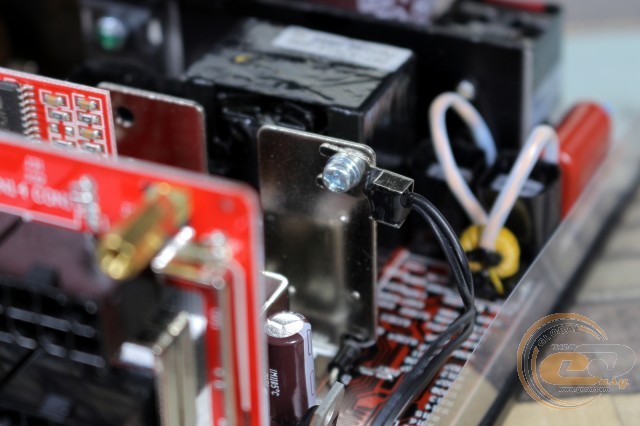
The plates brought to the front side of the PCB also participate in heat exchange. One of them has a thermal sensor fixed on it, on which the fan's rotation speed depends. Thus, active cooling is carried out as efficiently and quietly as possible.
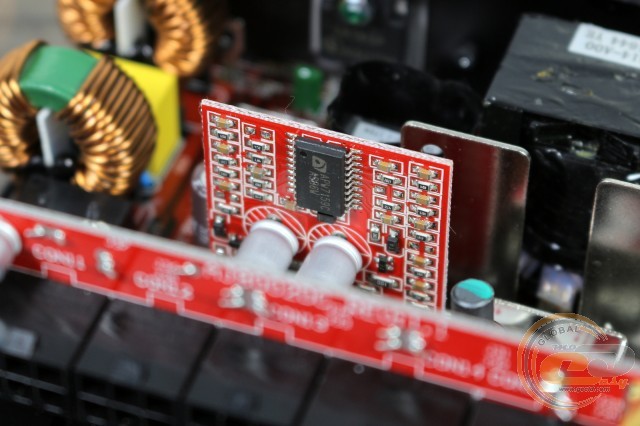
The daughterboard contains elements of the DC-DC converters. Among them is the PWM controller ANPEC APW7159C, as well as the usual components of the LC circuit: chokes and capacitors.
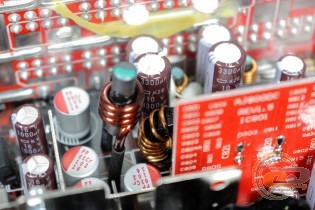
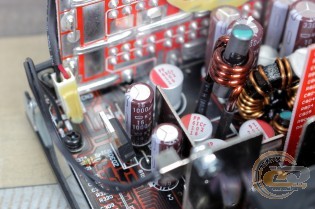
The choice of capacitors for voltage filtering indicates the absence of any savings: electrolytic solutions from high-temperature series manufactured by the Japanese company Nippon Chemi-Con are used, as well as reliable polymers.
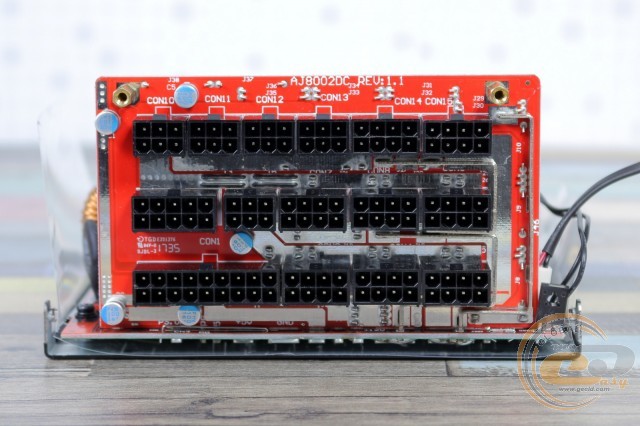
The daughterboard with output connectors also exclusively features solid capacitors. Thus, the component base of the source rightfully deserves high praise.
The manufacturer's official website mentions the presence of the following protections:
- over-voltage protection (OVP);
- short-circuit protection (SCP);
- over-power protection (OPP).
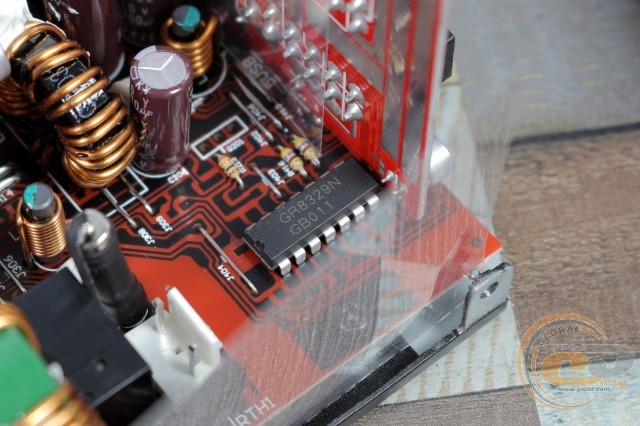
Additionally, the Grenergy GR8329N supervisor chip is used, which also allows for under-voltage protection (UVP) and over-current protection for each channel (OCP). Whether these features were utilized is not specified by the manufacturer.
Cross-load characteristics
According to ATX12V standard norms, the permissible voltage deviation range for all power lines is ±5% of their nominal value.
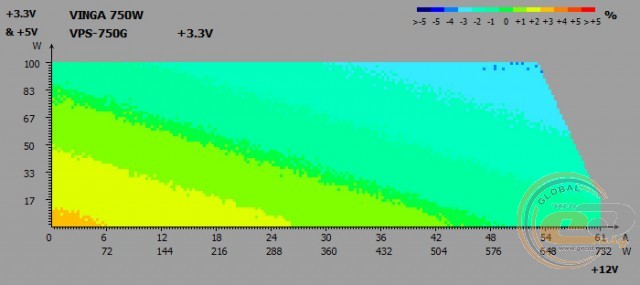
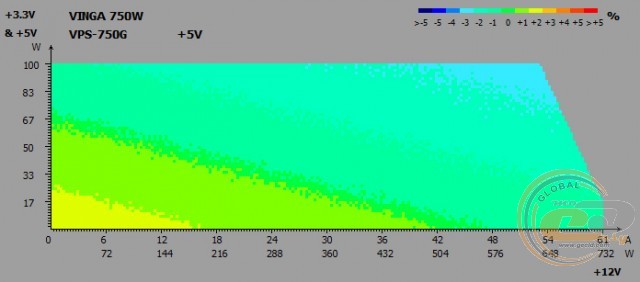
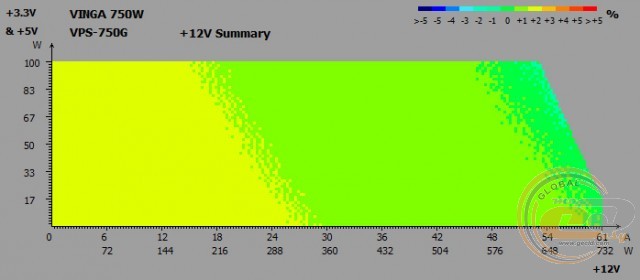
During cross-load tests on the main power lines of the Vinga VPS-750G, the following voltage deviations were recorded:
- +3.3V line: from -3% to +2%;
- +5V line: from -3% to +2%;
- +12V line: from 0% to +2%.
The voltage stabilization unit performs well, as deviations did not exceed permissible norms. The use of separate stabilization ensured excellent stability of the +12V line, without any droops - a commendable achievement.
Noise and ripple across the entire voltage range
For the ATX12V standard, the following permissible ripple levels (peak-to-peak) are provided:
- +3.3V and +5V lines: 50 mV;
- +12V line: 120 mV.
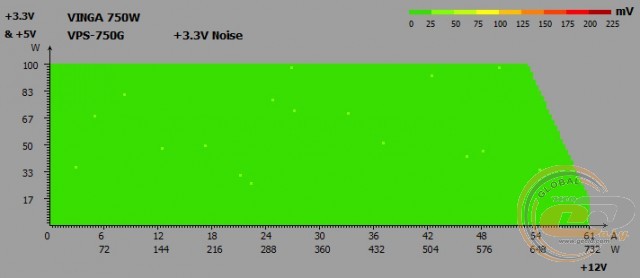
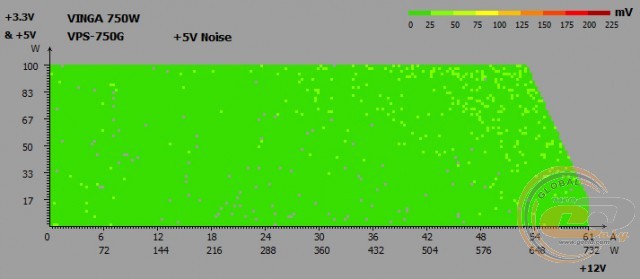
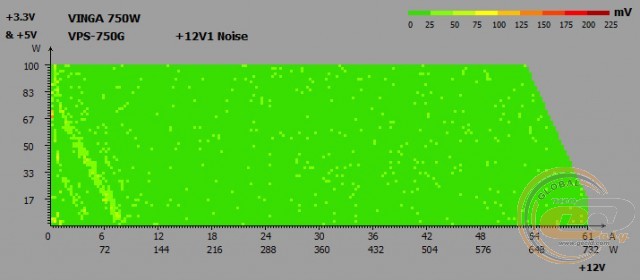
The low ripple level also made a positive impression. On the two lower lines, they did not exceed the 50 mV mark. The state of the +12V channel is also pleasing - in the working range of a typical PC, ripples will be minimal.
Standby power line +5VSB
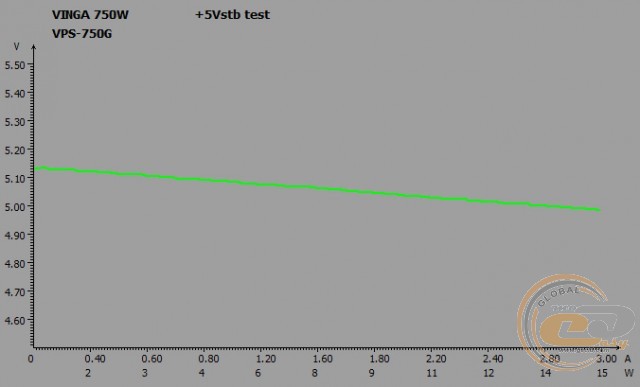
The state of the standby power line of the Vinga VPS-750G did not raise any concerns. Depending on the load, the voltage on it changes within permissible limits: from 5.13 to 4.99 V, staying within ±5%.
PFC
Table showing the change in PFC depending on the power supply load:
|
Load, W |
75 |
150 |
250 |
300 |
375 |
450 |
550 |
650 |
750 |
|
Load, % |
10 |
20 |
33 |
40 |
50 |
60 |
73 |
87 |
100 |
|
PFC |
0.84 |
0.91 |
0.95 |
0.96 |
0.97 |
0.97 |
0.98 |
0.99 |
0.99 |
Load* − load as a percentage of the power supply's nominal capacity.
The APFC module of the power supply performs very well. At a power consumption of 150 W, the PFC coefficient reached 0.91, with the maximum value (0.99) recorded at loads above 650 W.
Efficiency
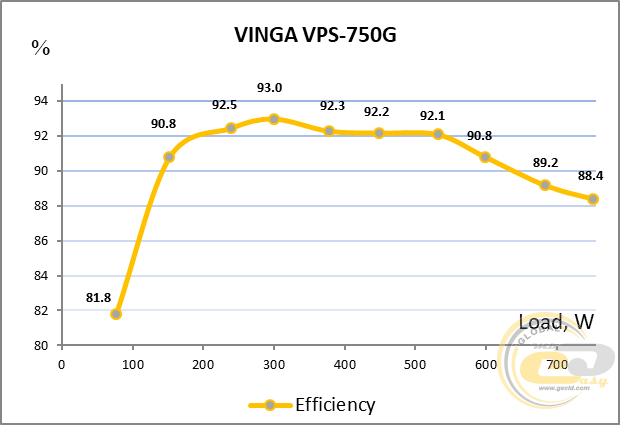
The real efficiency test at various loads confirmed the Vinga VPS-750G's compliance with the 80 PLUS Gold standard for 230 V voltage. At loads of 20%, 50%, and 100% of nominal power, the power supply's efficiency exceeded 88%, 92%, and 88%, respectively.
The source proved to be most efficient at loads from 135 to 630 W - in this range, the owner can expect an efficiency of over 90%, and the cooling system will need to dissipate 14 to 63 W of thermal power. In nominal mode (750 W), this figure will reach 87 W.
Cooling system and temperature regime
The noise level of the device can be indirectly assessed by the fan speed at different load levels. The time interval after which the fan speed was measured and the subsequent increase in power was about twenty minutes. The measurement results are marked with points on the graph. At the same time, the ambient temperature for the power supply was approximately 27°C. It should be noted that the air inside the computer case can be significantly hotter, with a temperature of 40°C being quite acceptable. At the same time, the load created by the computer system is variable, which eases the thermal regime of the power supply.
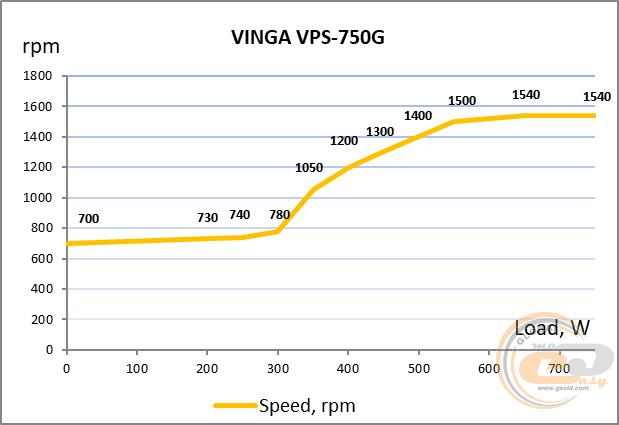
The fan of the Vinga VPS-750G power supply rotates very quietly at a frequency of 700-1000 RPM up to the 350W mark. Until reaching 450W (1300 RPM), the noise level can be characterized as quiet. With further load increase, the fan gradually accelerates to 1540 RPM, which is the nominal rotation frequency of the sample we received. The sound from its operation did not exceed the average level and remained in a very comfortable noise range.
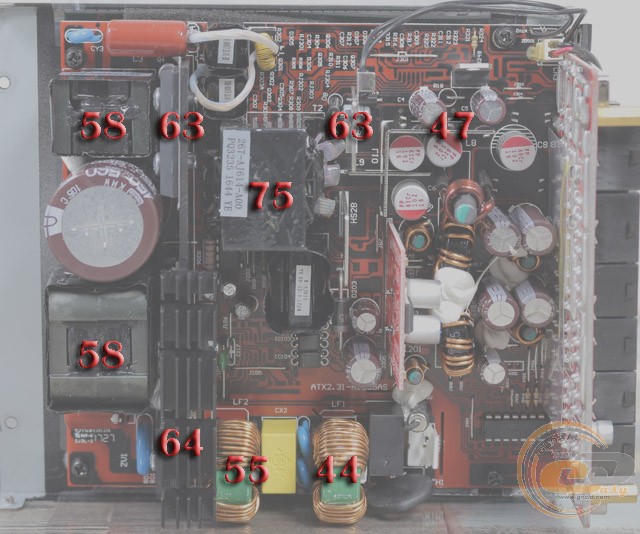
The heating of the components turned out to be relatively small, as in the case of less powerful solutions. The main transformer heated the most - up to 75°C. This value was obtained under prolonged constant load, and it is far from critical. A larger radiator dissipation area would not hurt, but again, everything is within acceptable limits.
Extraneous noises during power supply operation
As practice has shown, throughout the entire range of nominal power, the Vinga VPS-750G does not produce additional noises in the form of annoying coil whine or characteristic transformer hum.
OverLOAD
The load on the tested model was increased to 900W (+20% to nominal). At the same time, the output voltages remained within the norm, and the source operated properly. We did not continue this experiment further.
Practical tests on a real configuration
To build a real computer system, a powerful 6-core processor Intel Core i7-4960X was used, operating in nominal mode. As a video accelerator, we used the model ZOTAC GeForce GTX 480 AMP! with factory overclocking. It should be noted that the purpose of this experiment is to reproduce real loads of a productive PC and to check how the power supply works in practice.
|
Motherboard |
ASUS P9X79 PRO (Socket LGA2011, Intel X79 Express) |
|
Processor |
Intel Core i7-4960X (Socket LGA2011, 3.6 GHz, L3 12 MB) @ 4.4 GHz, 1.3 V |
|
Cooler |
Thermalright TRUE Spirit 120M |
|
RAM |
4 x 4096 MB DDR3-1333 Transcend PC3-10600 |
|
Video card |
ZOTAC GeForce GTX 480 AMP! |
|
Hard drive |
WD Caviar Blue 1 TB (WD10EALX) |
|
Case |
Spire SwordFin SP9007B with two 120mm fans |
|
Wattmeter |
Seasonic PowerAngel |
|
Multimeter |
MASTECH MY64 |
Measurements were taken in two modes: "Idle" and "Maximum load," which was created using Linpack and FurMark 1.10.4 utilities. During testing, the total power consumption of the system was measured using the Seasonic PowerAngel device, and the voltage on the +12V, +5V, and +3.3V power lines was recorded using the MASTECH MY64 multimeter.
As a result of measuring the output line voltages, the following values were obtained:
|
|
Vinga VPS-750G |
be quiet! Straight Power 11 750W |
Seasonic X-760 |
|||
|
Mode |
Value, V |
Deviation, % |
Value, V |
Deviation, % |
Value, V |
Deviation, % |
|
+12V |
||||||
|
Idle |
12.30 |
+2.5 |
12.17 |
+1.4 |
12.37 |
+3.1 |
|
Burn |
12.29 |
+2.4 |
12.21 |
+1.8 |
12.36 |
+3.0 |
|
+5V |
||||||
|
Idle |
5.09 |
+1.8 |
5.06 |
+1.2 |
5.06 |
+1.2 |
|
Burn |
5.10 |
+2.0 |
5.05 |
+1.0 |
5.06 |
+1.2 |
|
+3.3V |
||||||
|
Idle |
3.42 |
+3.6 |
3.39 |
+2.7 |
3.43 |
+3.9 |
|
Burn |
3.42 |
+3.6 |
3.38 |
+2.4 |
3.44 |
+4.2 |
|
Input Power Consumption, W |
||||||
|
Idle |
114 |
107 |
114 |
|||
|
Burn |
544 |
538 |
545 |
|||
The output indicators of Vinga VPS-750G under load (Burn mode) and during system idleness (Idle mode) can be characterized as excellent. No line showed even a dip, let alone going beyond acceptable values. Note the voltage stability - the difference is no more than 0.01 V when the load changes. Similar results were previously obtained with PSUs from Seasonic, which are considered benchmarks among sources for many.
Power consumption in idle and off state of the computer
|
Power Supplies |
Power consumption in mode, W |
|
|
Sleep |
Power Off |
|
|
Vinga VPS-750G |
7 |
3 |
|
be quiet! Straight Power 11 750W |
7 |
3 |
|
Seasonic X-760 |
7 |
3 |
The power consumption of the Vinga VPS-750G power supply in the off state of the computer and in sleep mode corresponds to the indicators of other similar power solutions that have been in our test lab.
Conclusions
If when comparing power supplies Vinga VPS-550G and Vinga VPS-650G the difference turned out to be quite noticeable, then the 750-watt Vinga VPS-750G is really not that far from the 650-watt model.
When studying the internal components of the 650W solution, we were only puzzled by the use of an input capacitor of relatively small capacity. In the 750W model, everything is fine in this regard - the electrolyte is chosen with a good reserve. The rest of the positive features have been carried over here without any changes. The "Gold" efficiency, a fan based on a hydrodynamic bearing, exclusively Japanese electrolytic high-temperature capacitors, a modular cable connection system in the form of long ribbons - everything we liked in the 650-watt model is in place here. As a result, we have quiet operation and excellent output indicators.
As we have become accustomed to with Gold solutions from Vinga, all of the above comes for a relatively small amount (less than $100). Thanks to such a pricing policy, the Vinga VPS-750G is a very strong competitor in the PSU market. What do you think?
Advantages:
- high efficiency level (80 PLUS Gold certification);
- presence of power reserve (at least +20%);
- good voltage condition on the power lines;
- small deviations when changing the load on the 12-volt channel without dips below the nominal;
- very low ripples;
- presence of main types of protections;
- separate power stabilization system;
- high-quality component base, including Japanese capacitors and solid-state solutions;
- ability to operate in a wide range of network voltage;
- low power consumption in sleep mode and in the off state of the computer;
- use of long removable wires in the form of ribbons;
- efficient and fairly quiet cooling system;
- original design;
- active power factor correction method.
Features:
- the length of the device is 190 mm, which should be considered when choosing a case.
Author: Oles Paholok
Translation: Liliya Masyuk
We express our gratitude to ASUS, Intel, Thermalright, Transcend, Western Digital and ZOTAC for the equipment provided for the test bench.